The whole patient visit, in one system.
From reception to the cashier, every department works from the same visit. Patients wait less, and nothing gets lost.
- 14 days free, no card
- Live in a day
- Priced in shillings
Everything a visit needs, from the front desk to the cashier
- Registration
- Live queue
- Triage and vitals
- Consultation notes
- ICD-11 diagnoses
- Laboratory
- Radiology
- Pharmacy and stock
- Wards and beds
- Appointments
- Billing
- M-Pesa payments
- SHA claims
- Care-team chat
How it works
Follow one patient through the clinic
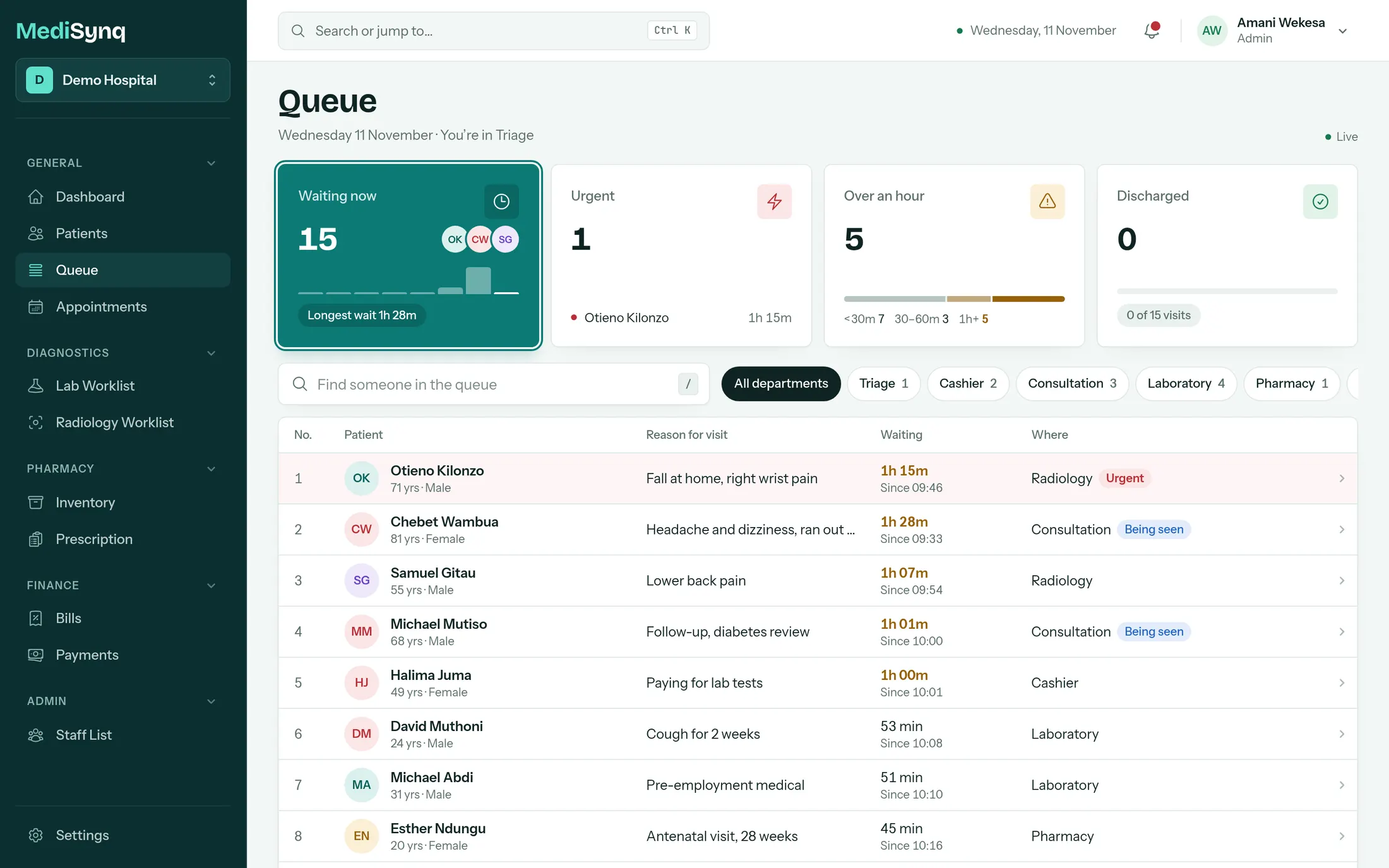
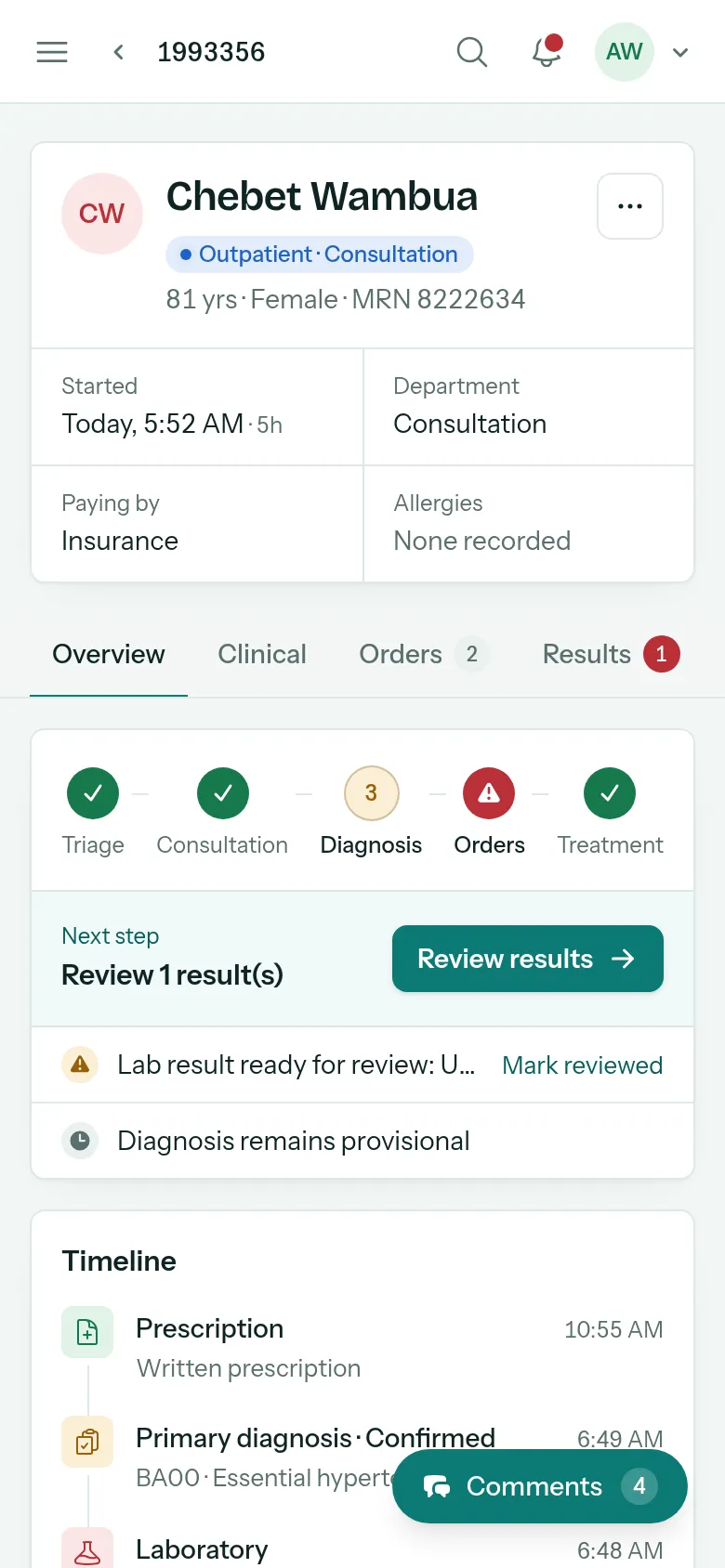
Chebet, 81, comes in with a headache and high blood pressure. Here is her morning, screen by screen.
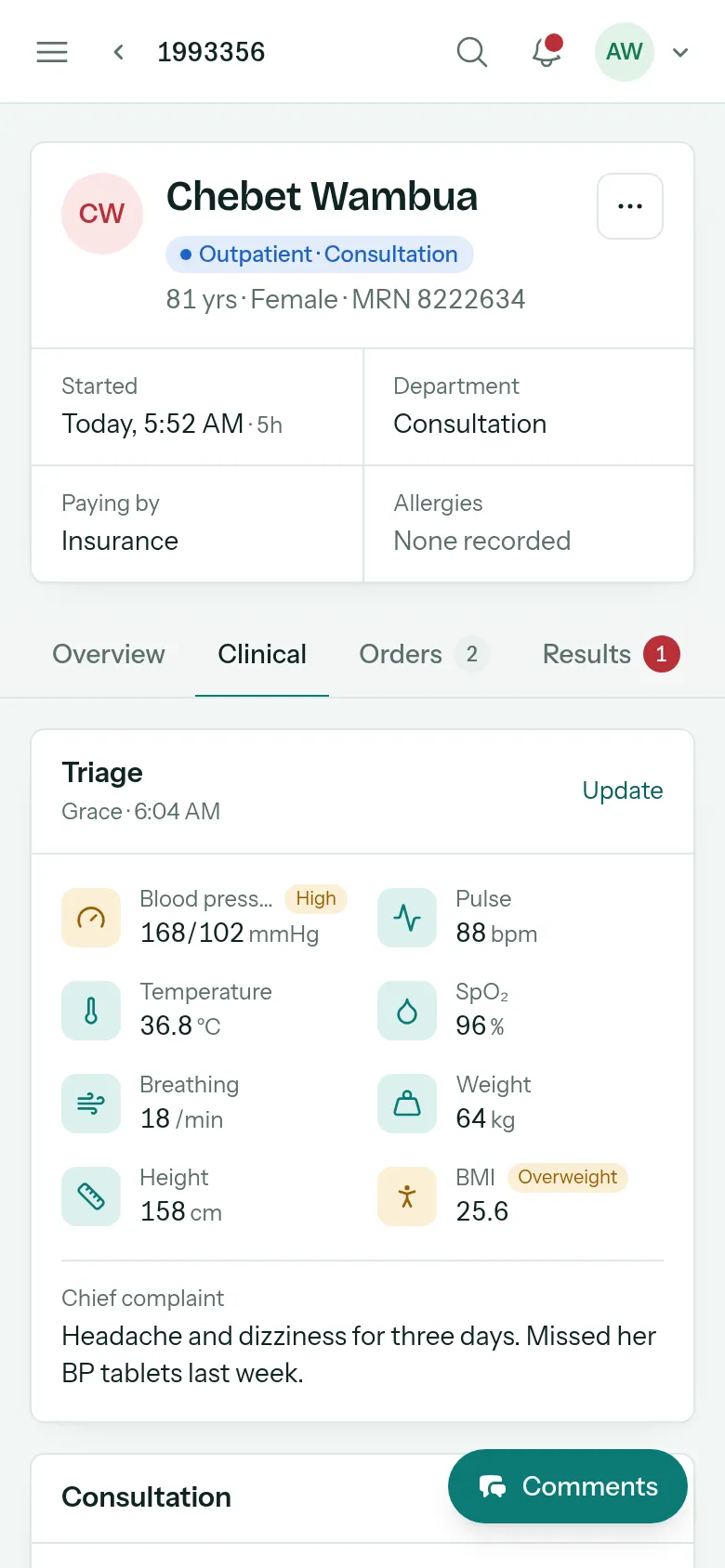
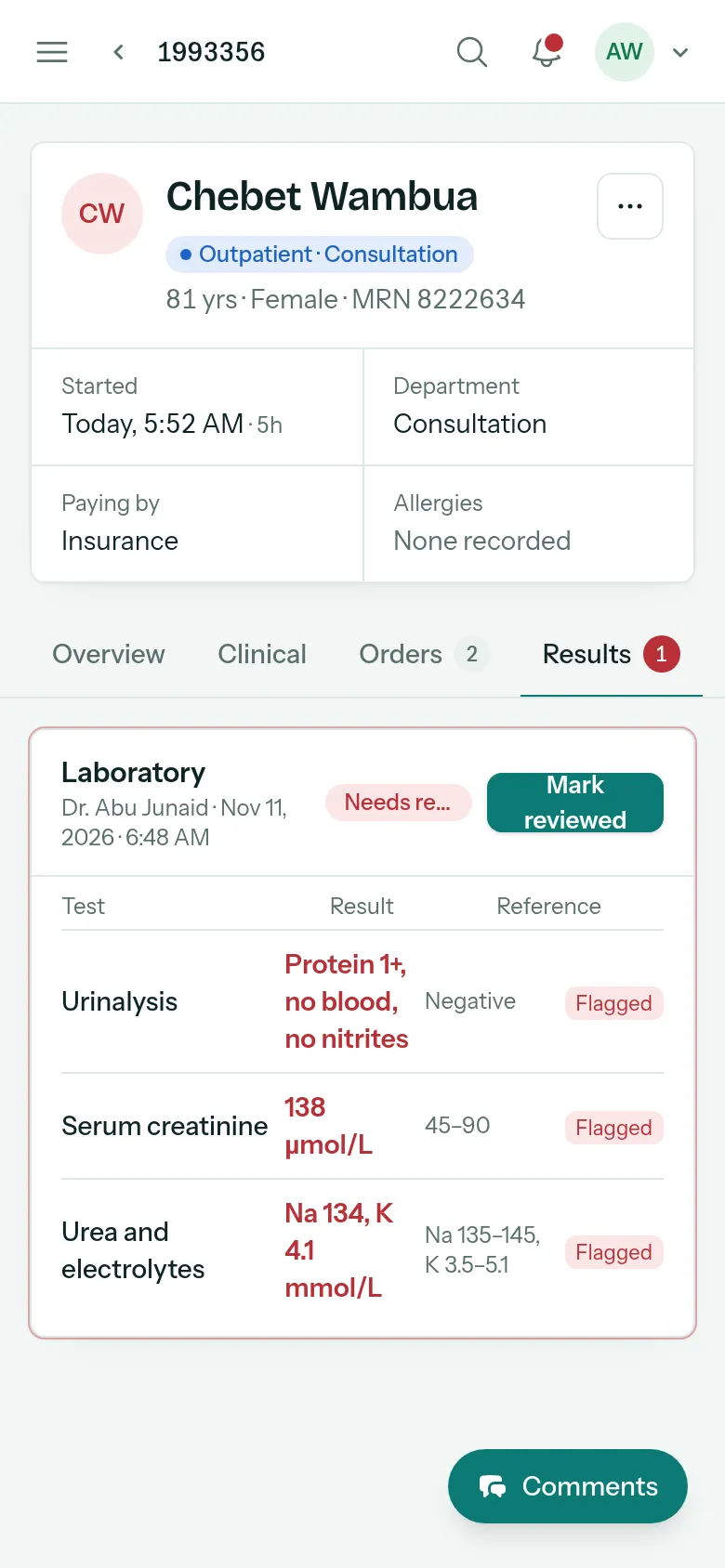
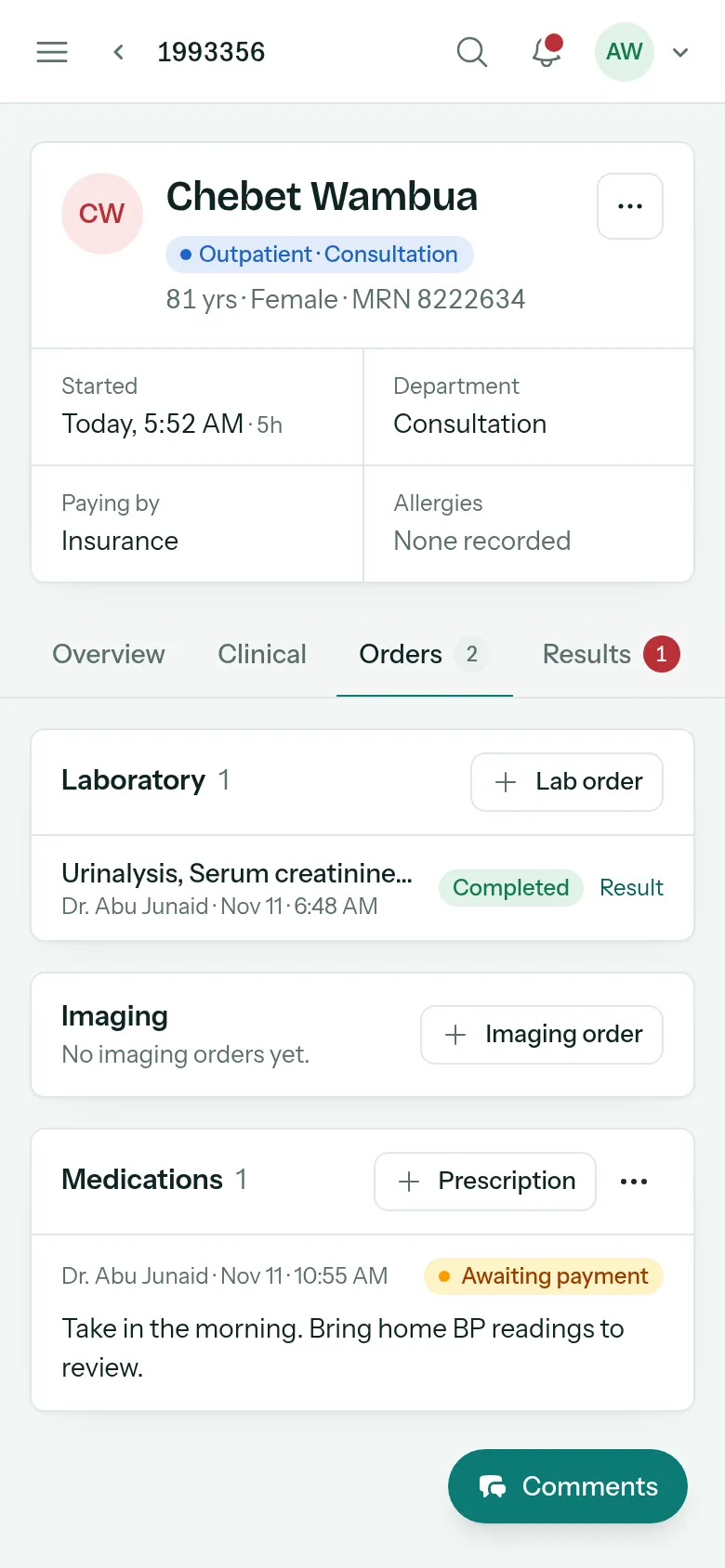
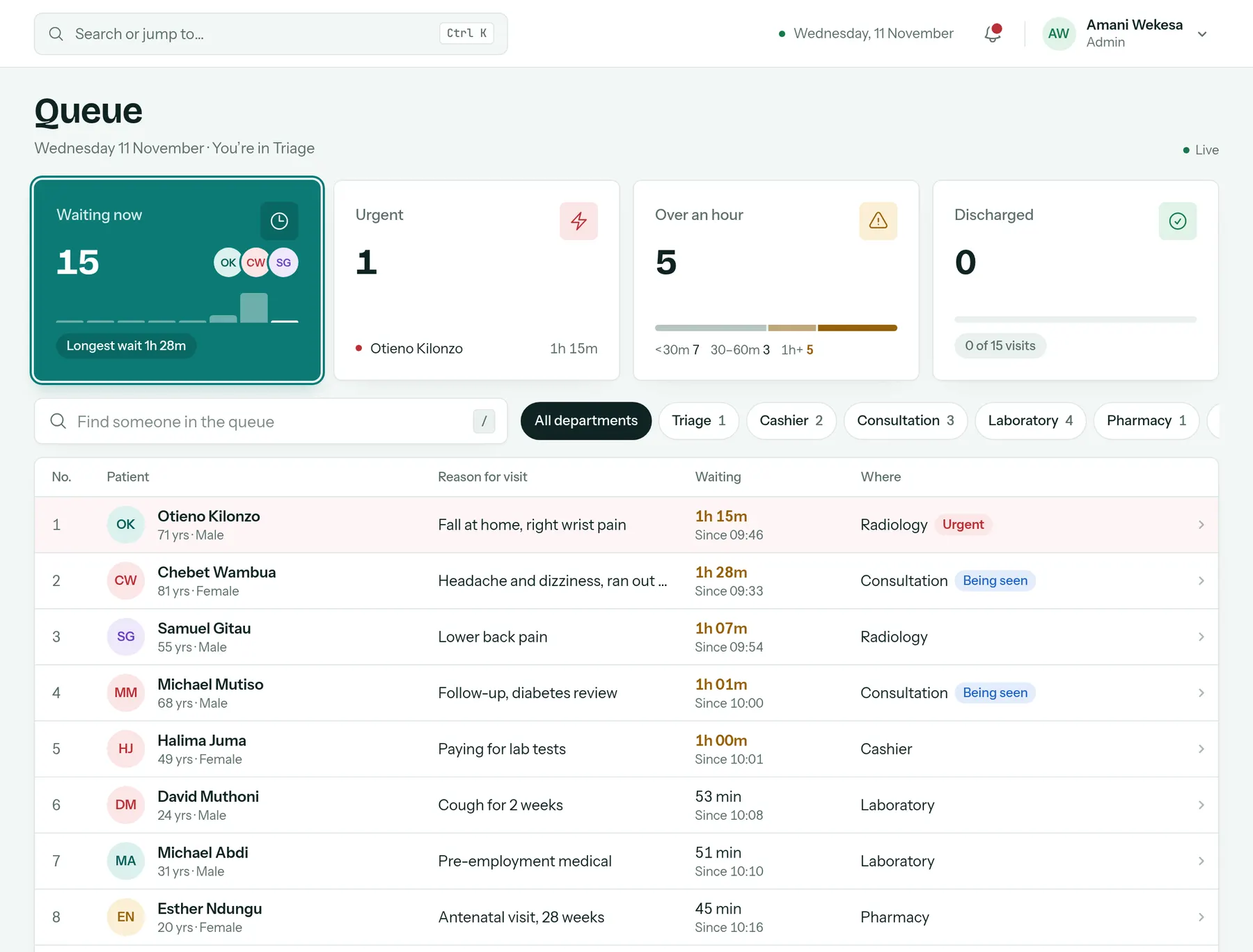
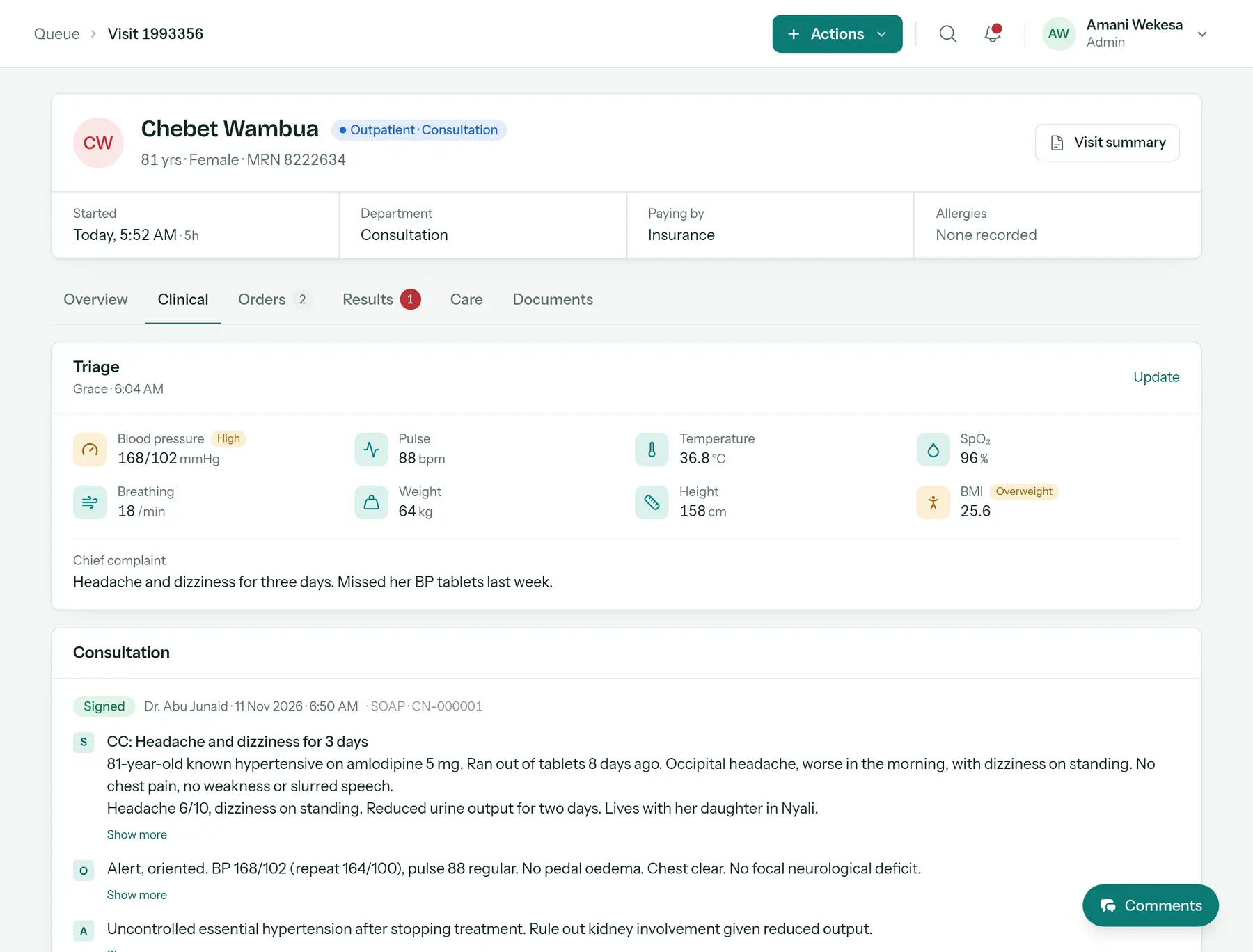
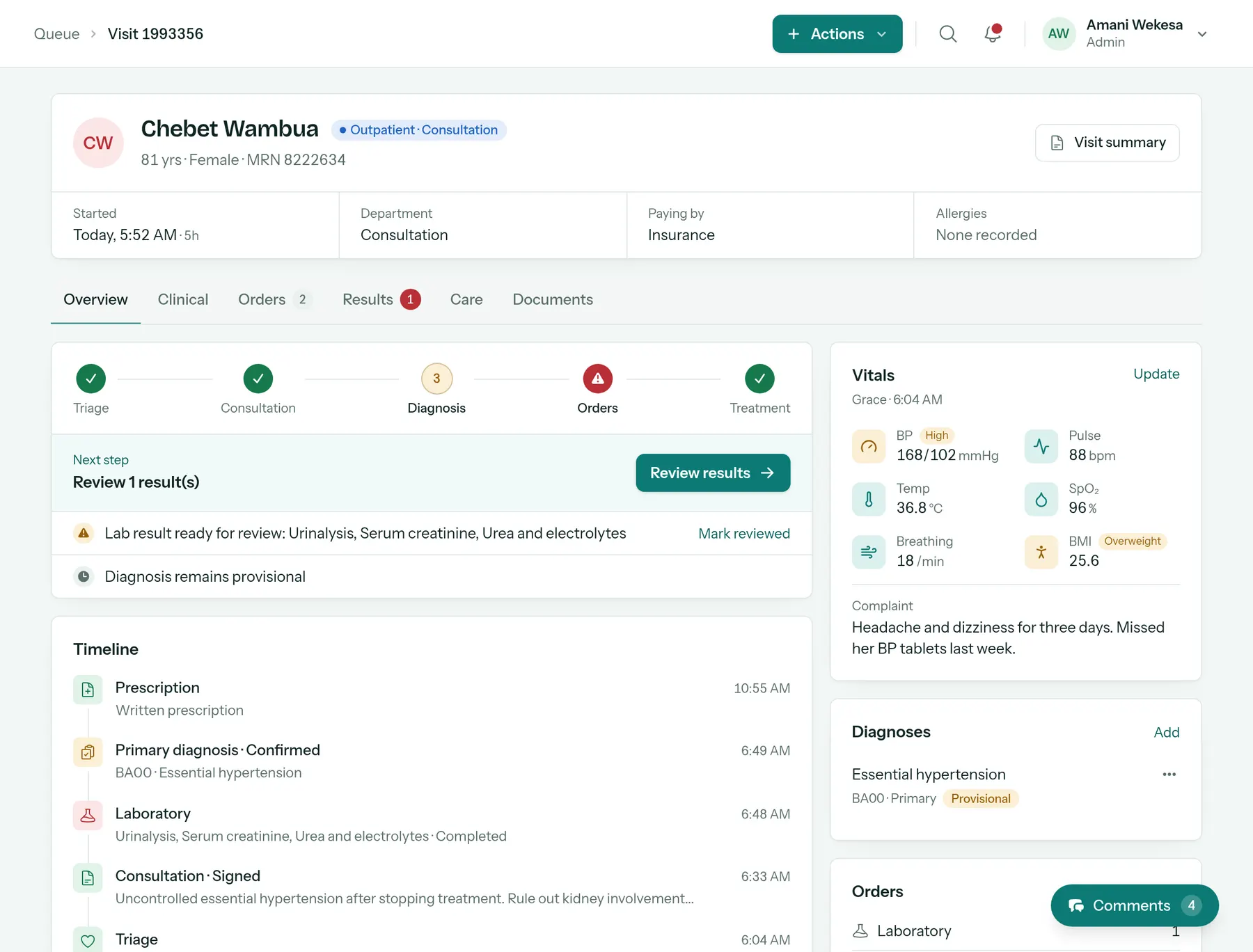
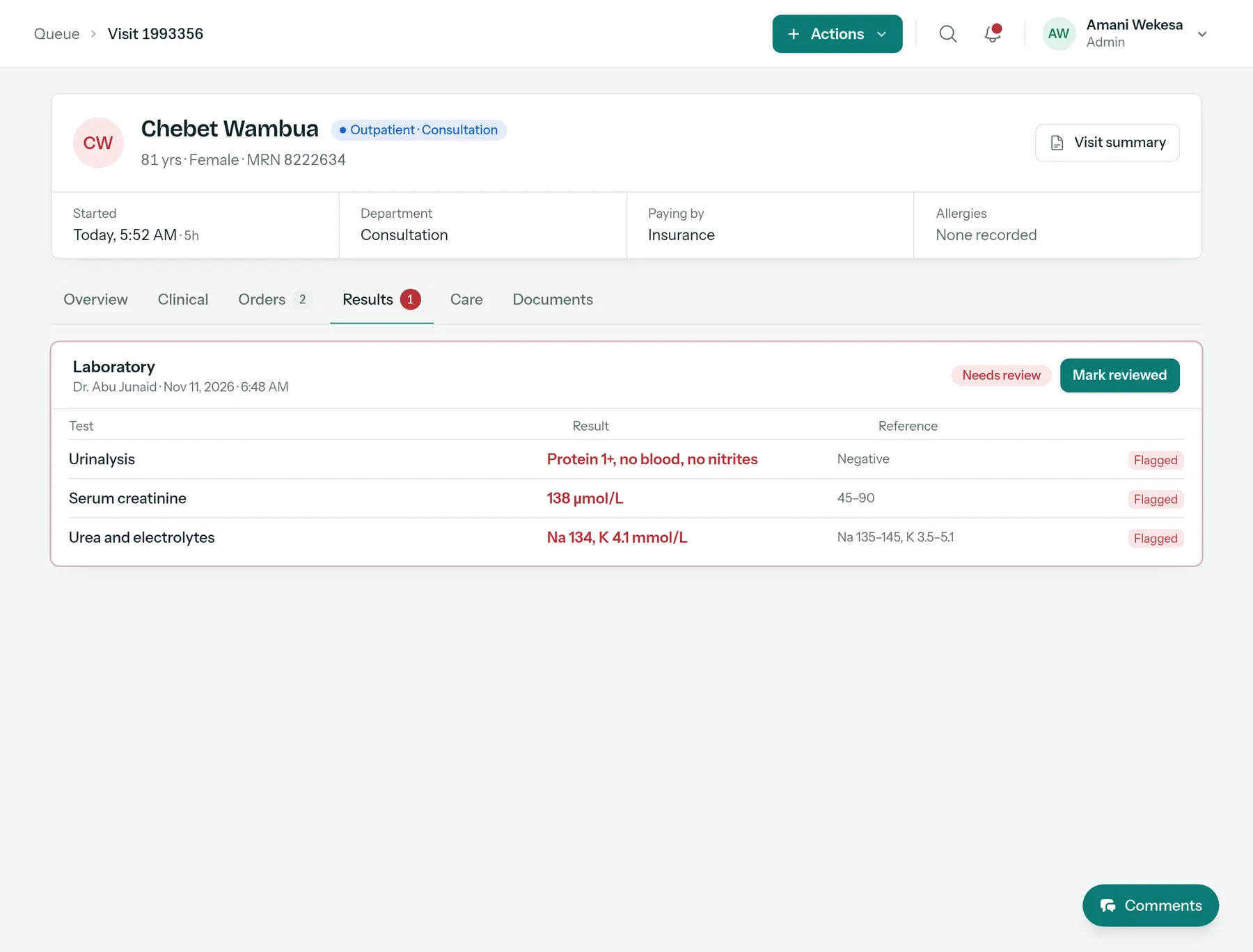
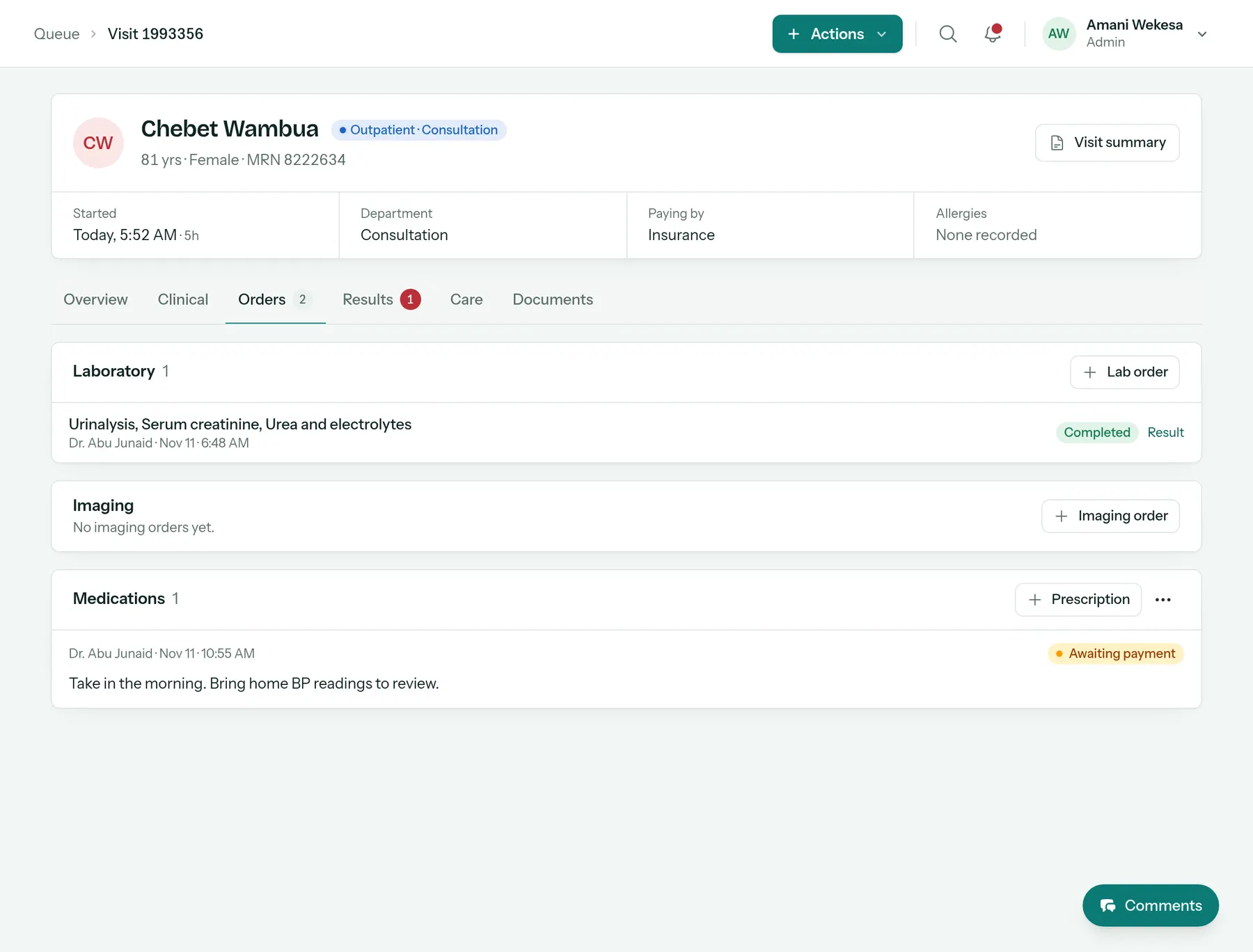
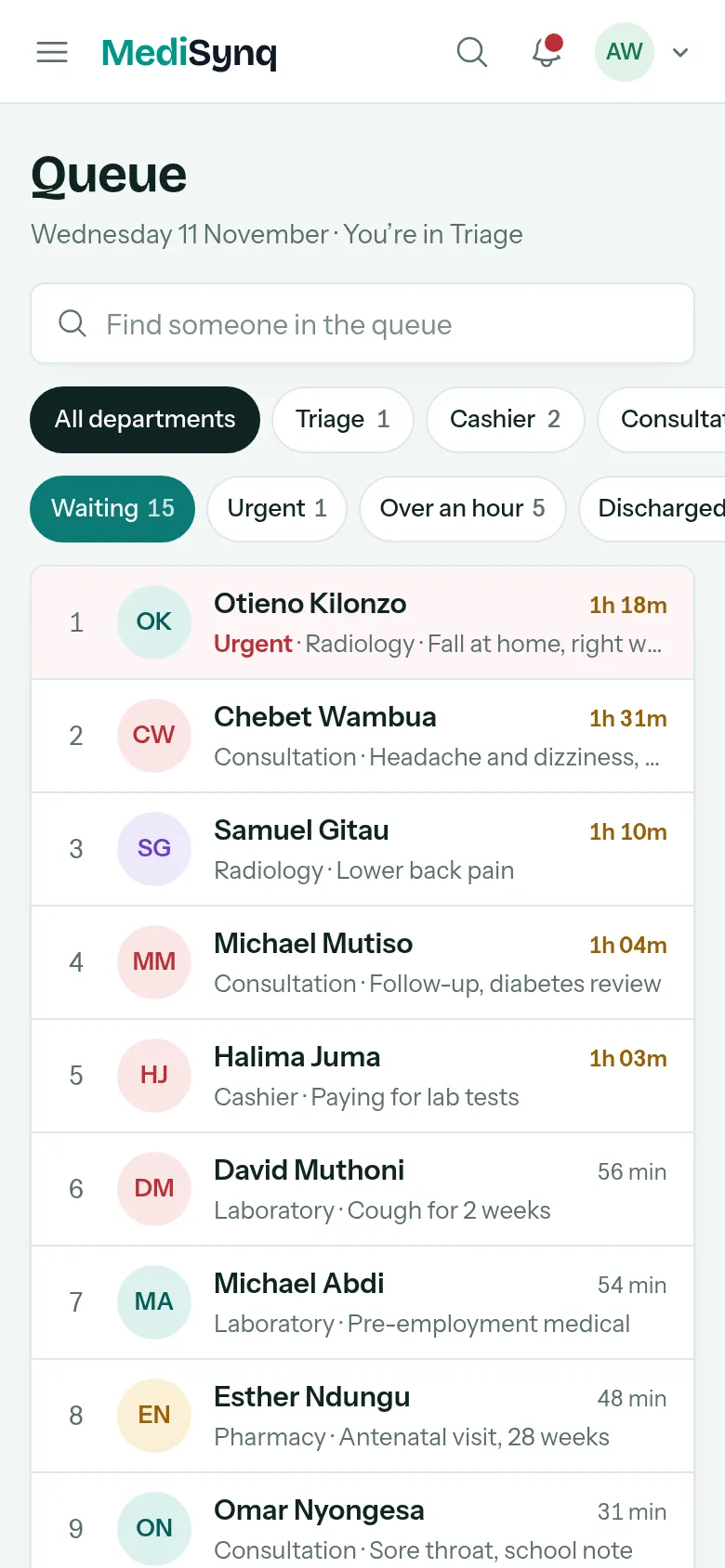
Reception finds or registers the patient and sends them to triage. Every department sees who is waiting, for what, and for how long.
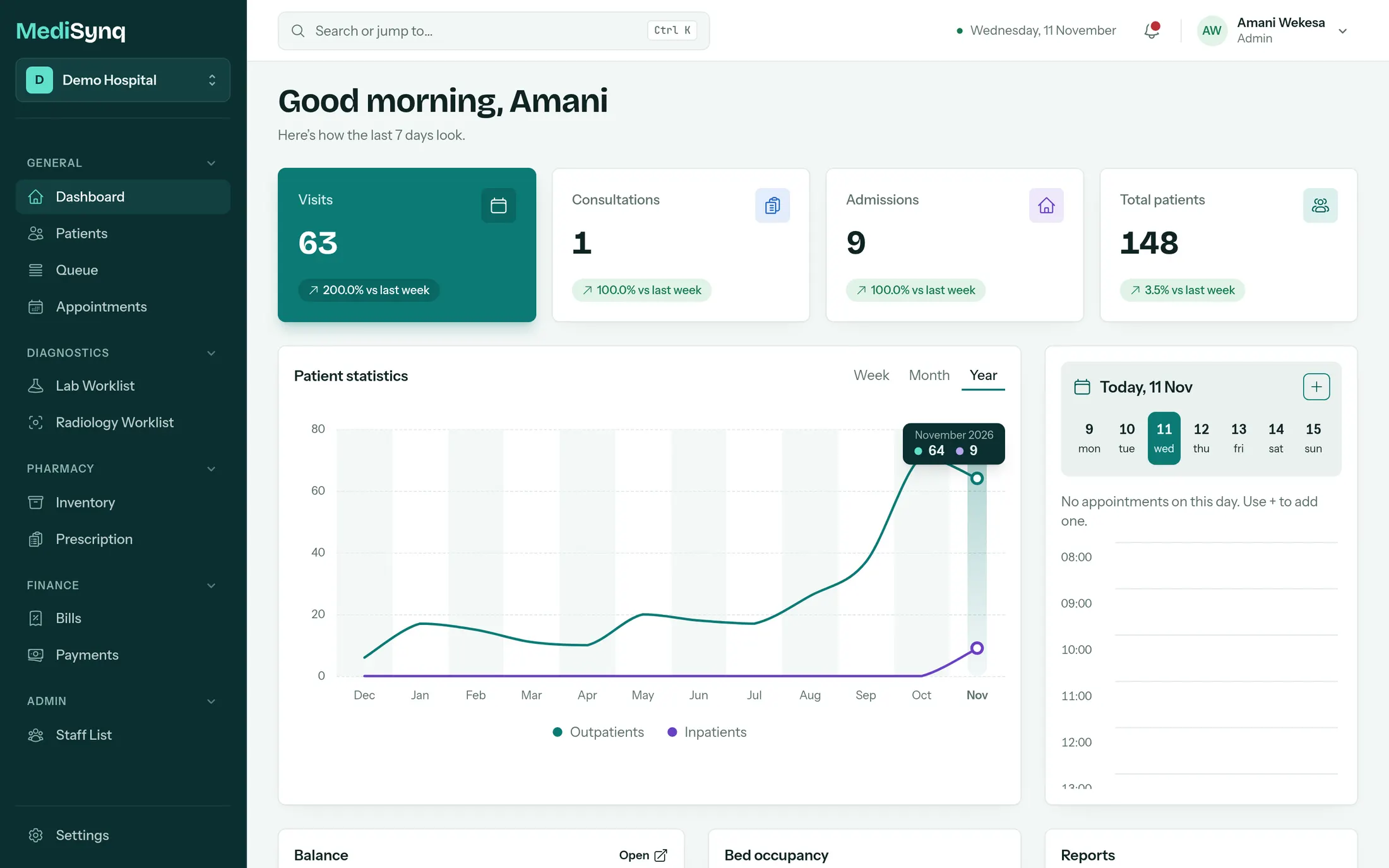
Dashboard
Know how the day is going, at a glance
Visits, consultations and admissions against last week, today’s appointments, beds in use and money still owed. Open it in the morning and you know where to look.
- Patient numbers by week, month and year
- Outstanding balances and what came in
- Bed occupancy by ward
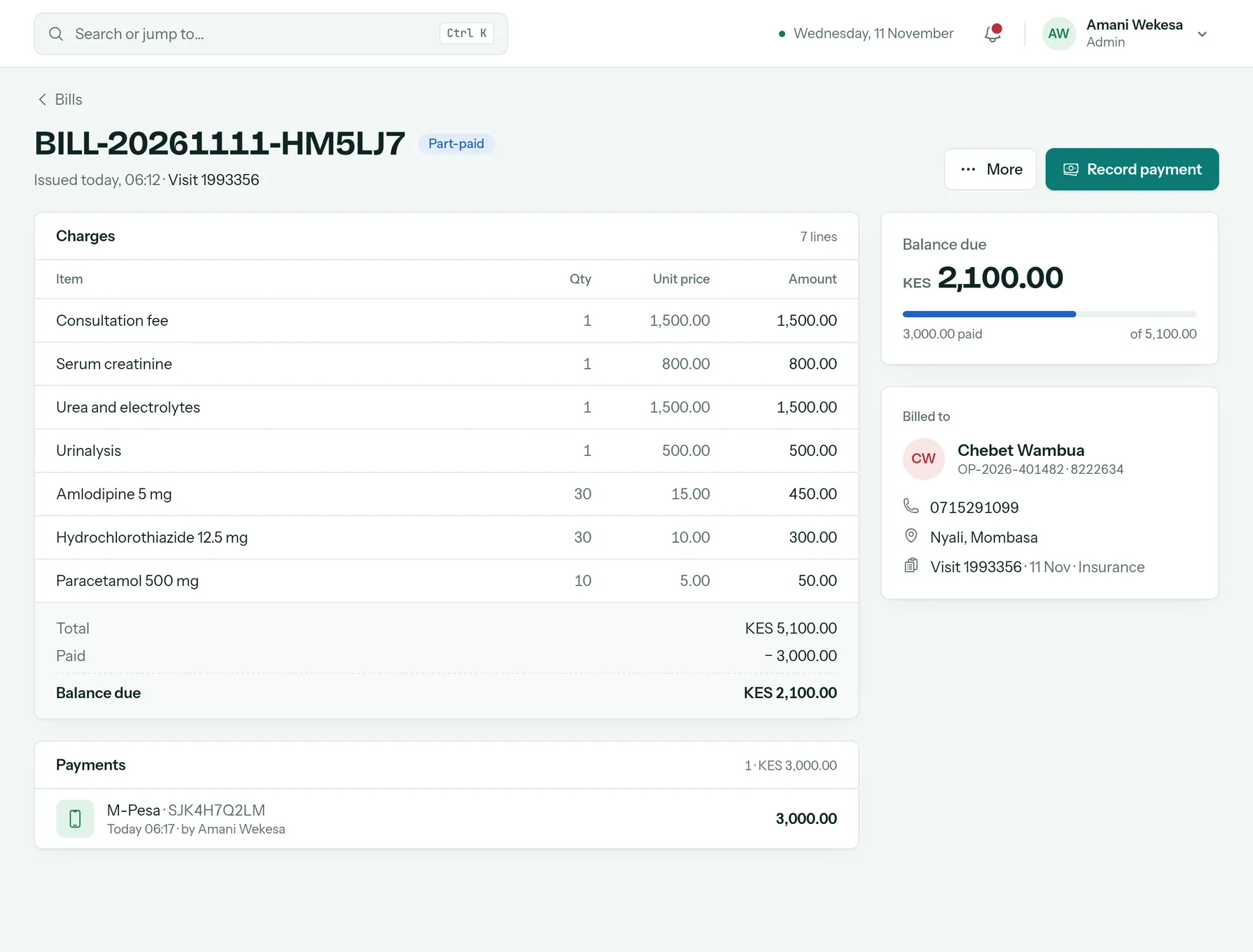
Billing and payments
Get paid before the patient leaves
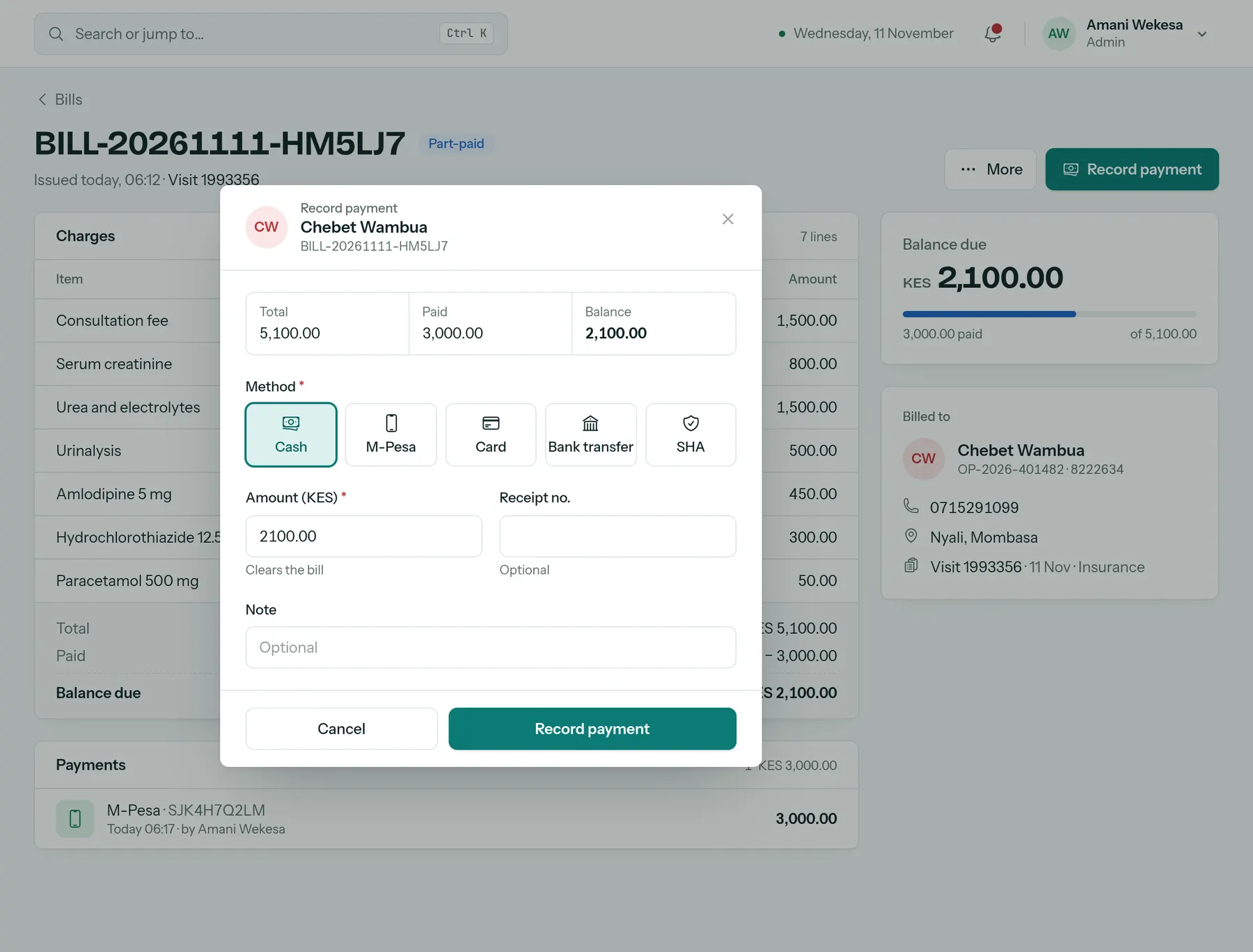
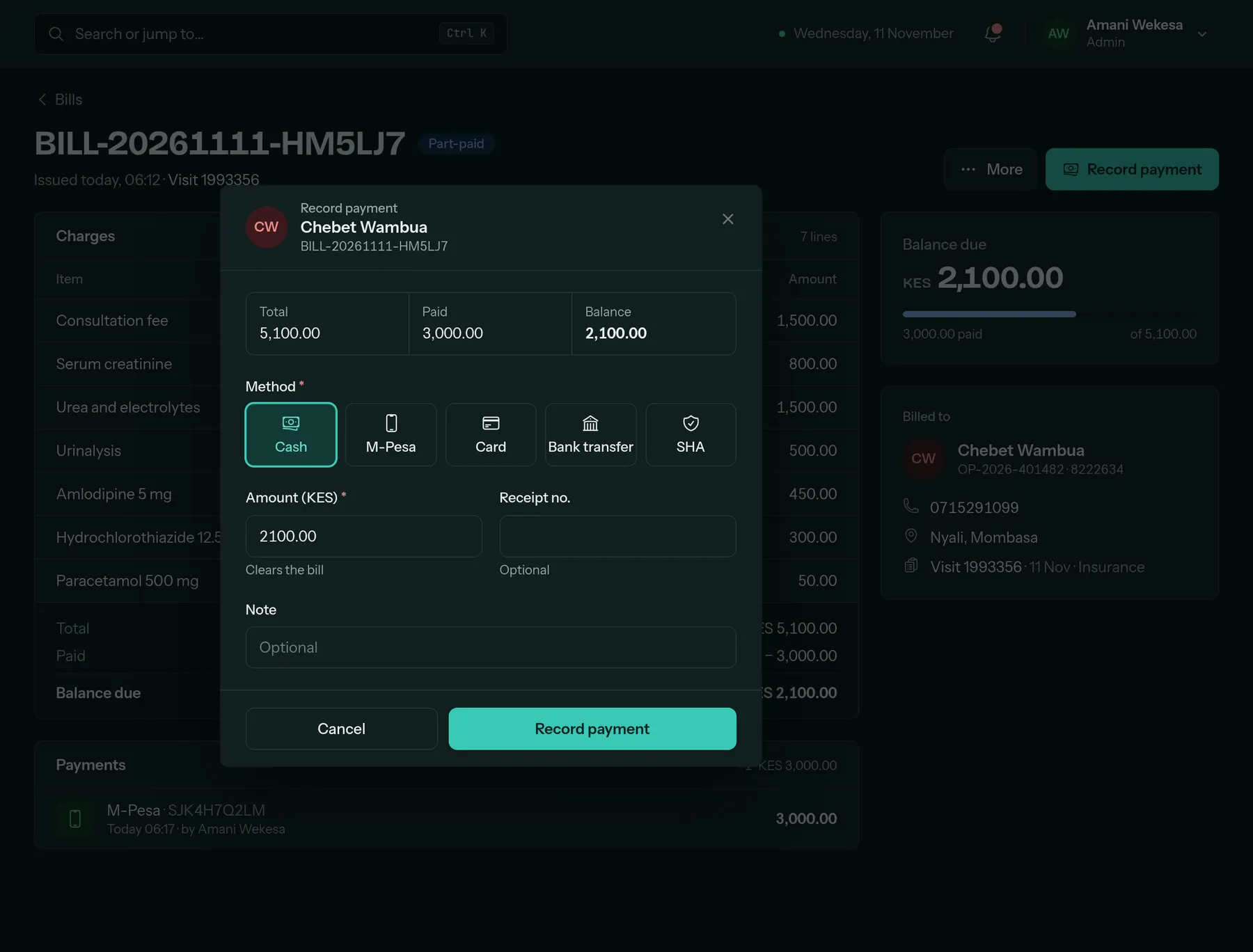
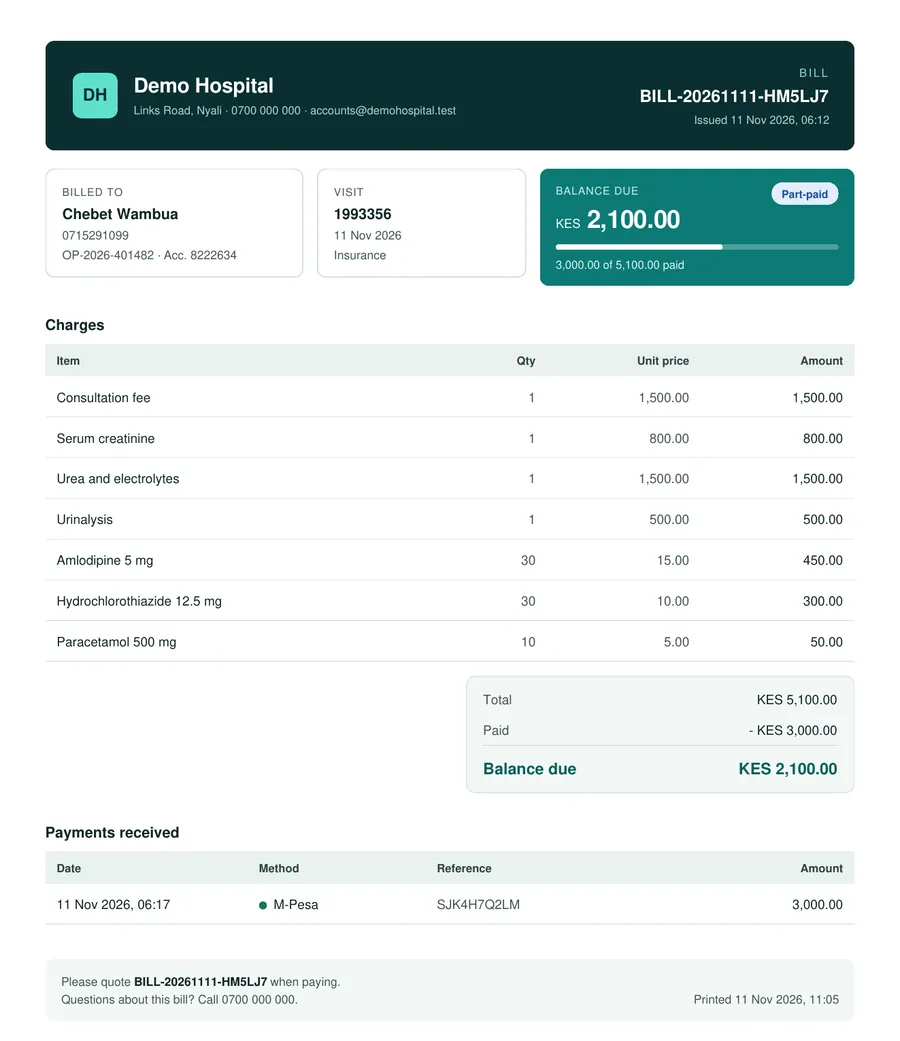
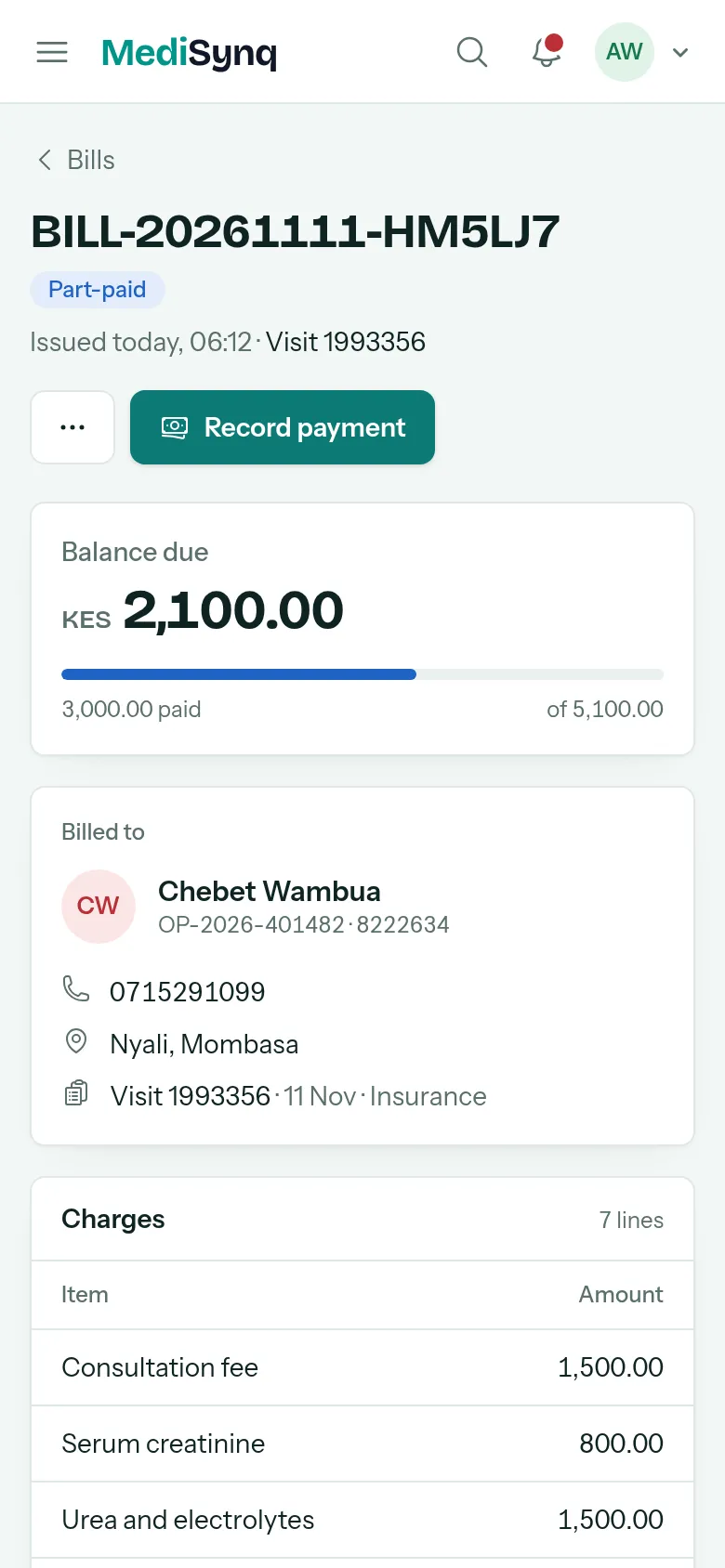
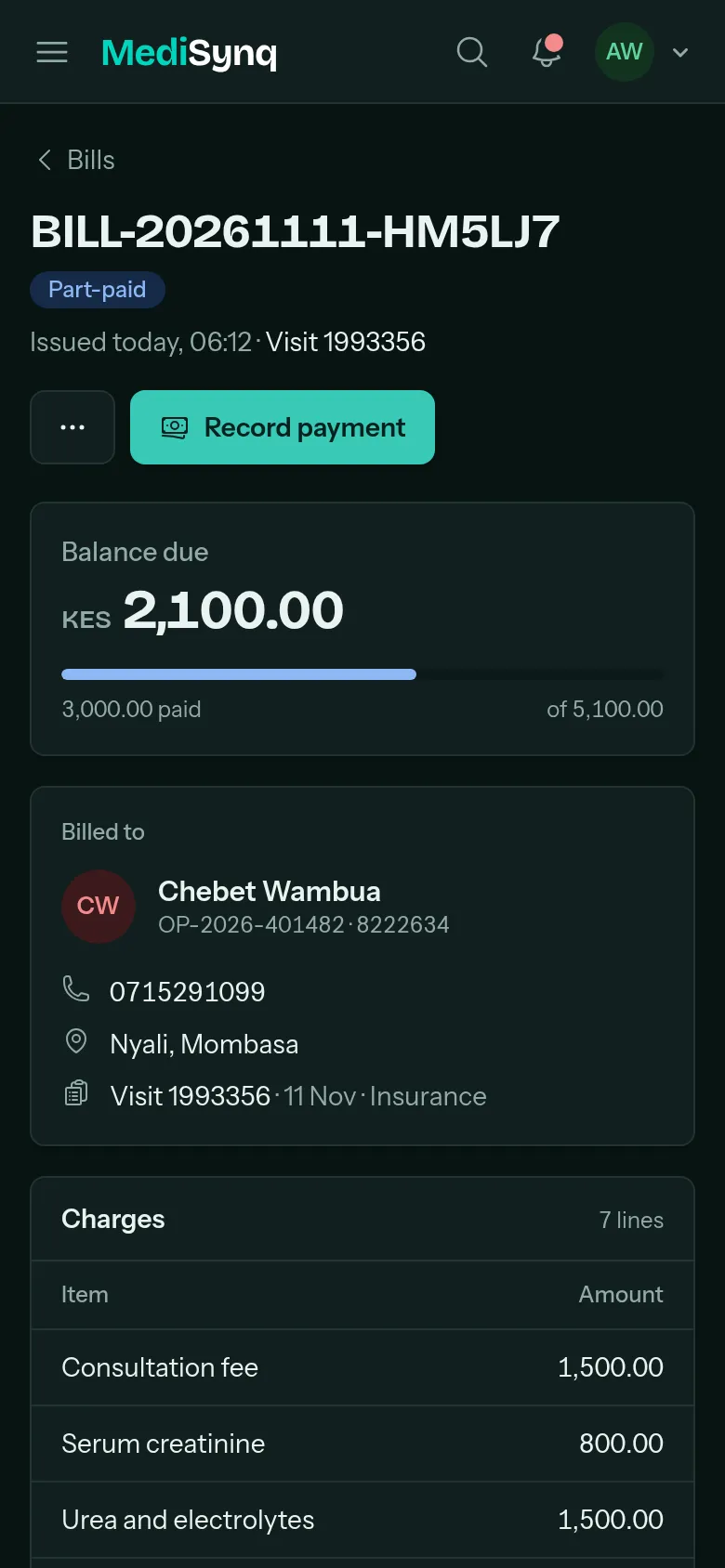
Every test, medicine and fee is added to the bill as it happens, so the cashier never has to chase a department for a price. Take any payment, in part or in full.
- M-Pesa prompts straight to the patient’s phone
- Cash, card, bank transfer and SHA on the same bill
- Send a branded PDF bill on WhatsApp
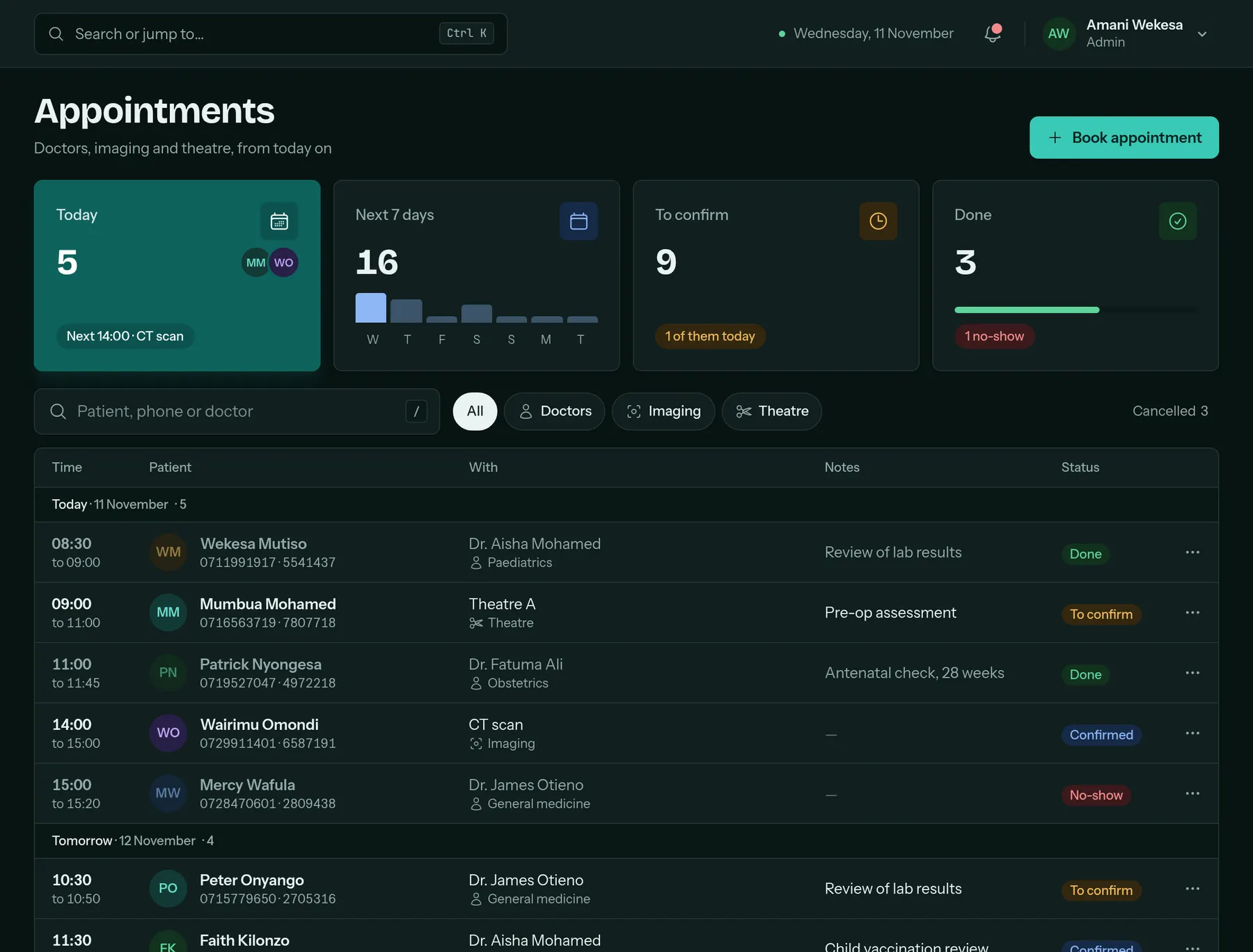
Appointments
Book doctors, scans and theatre in one diary
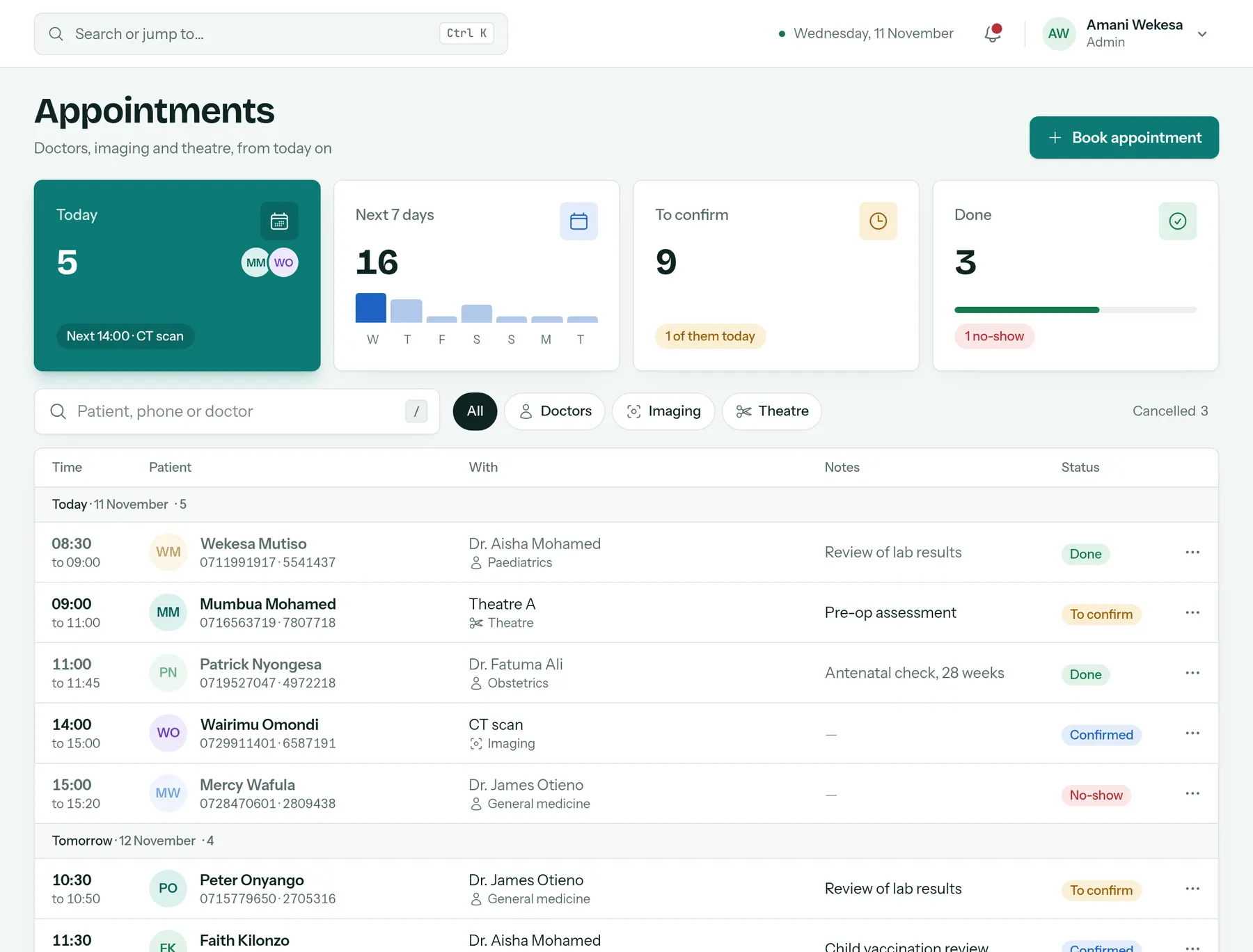
See who is coming today and this week, confirm bookings, and check patients in from the appointment when they arrive.
- Specialists, imaging and operating theatres
- Pending, confirmed, done and no-shows at a glance
- Check in straight from the booking
On every device
Works on the phones your team already carry
Check the queue on a ward round, open a visit at the bedside or take a payment at the door. Nothing to install: it runs in the browser.
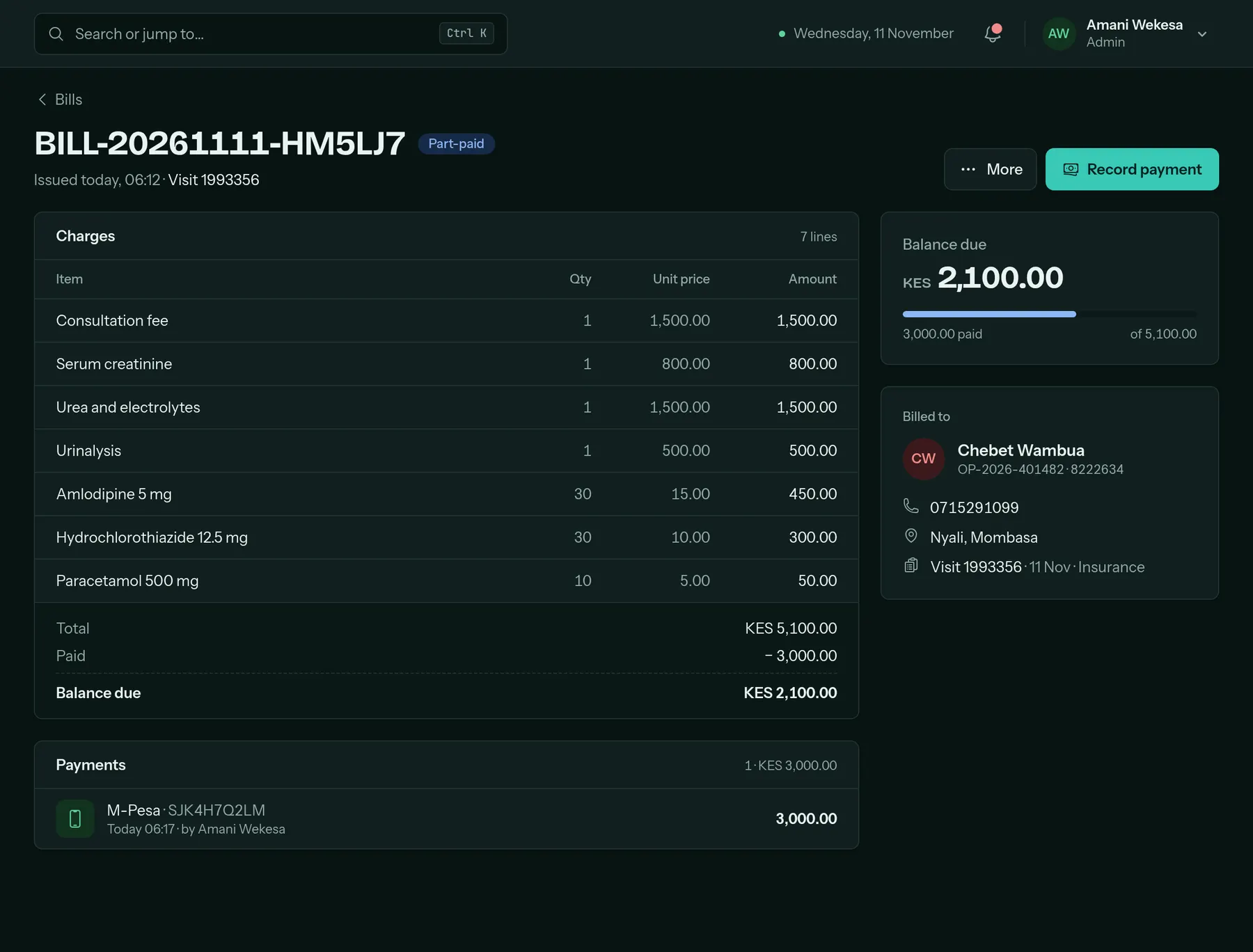
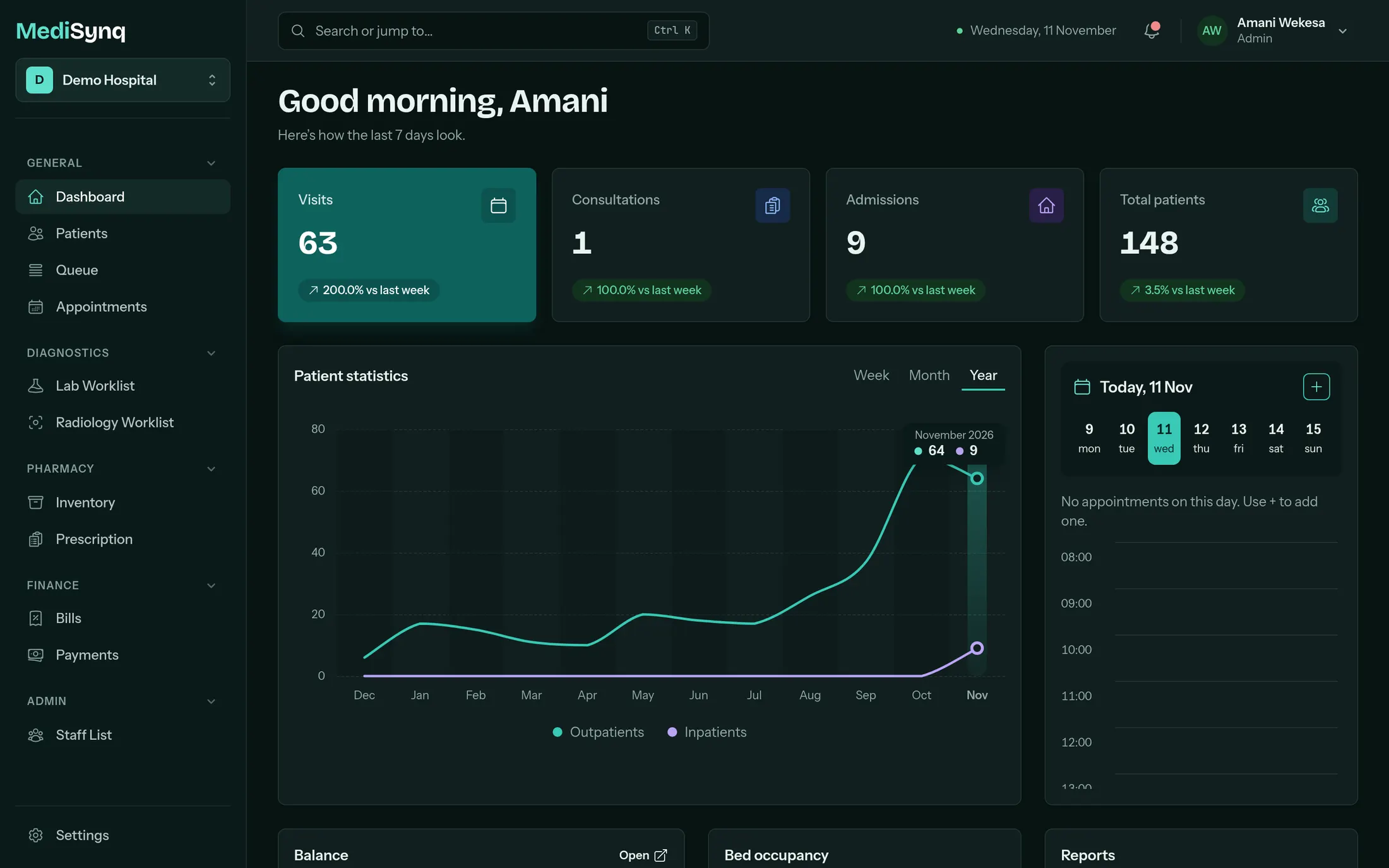
Day shift, night shift
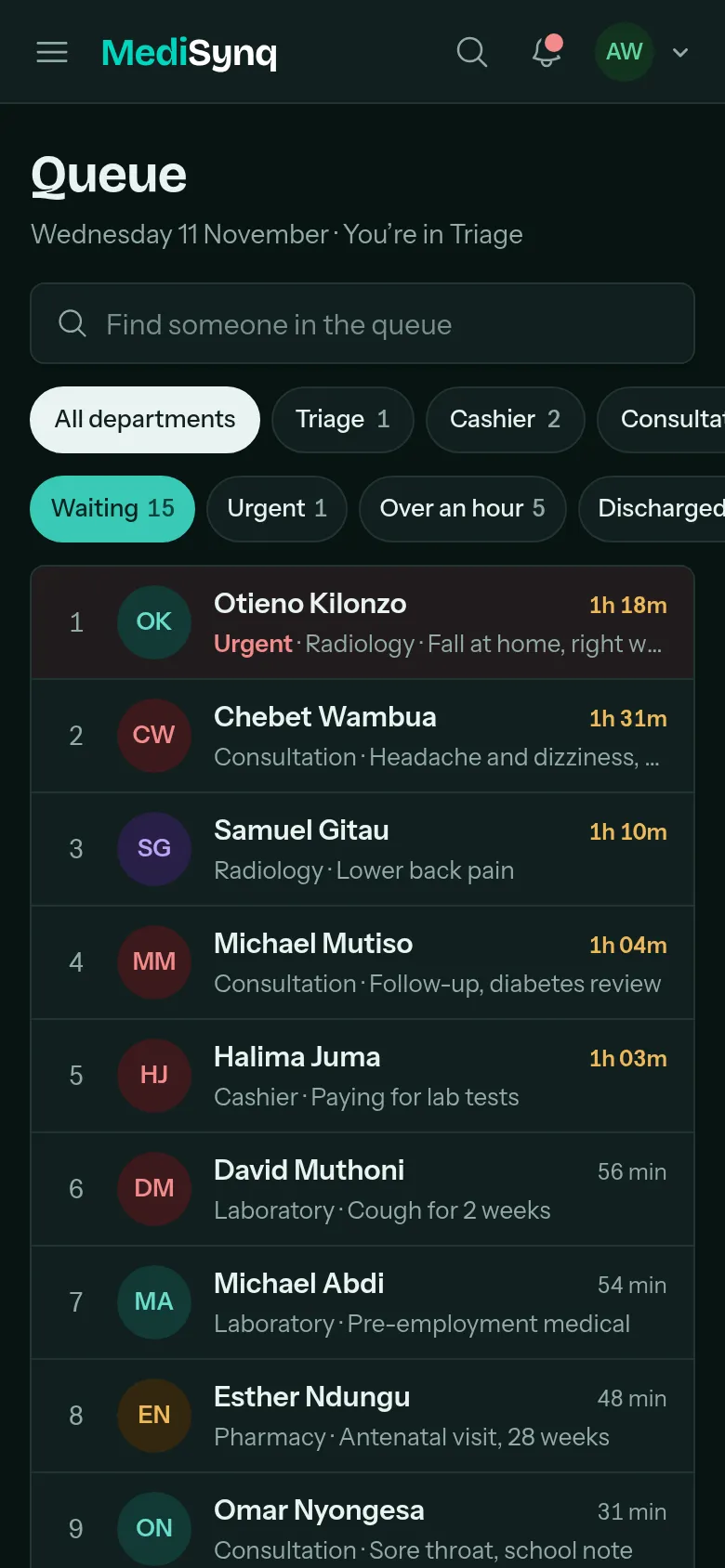
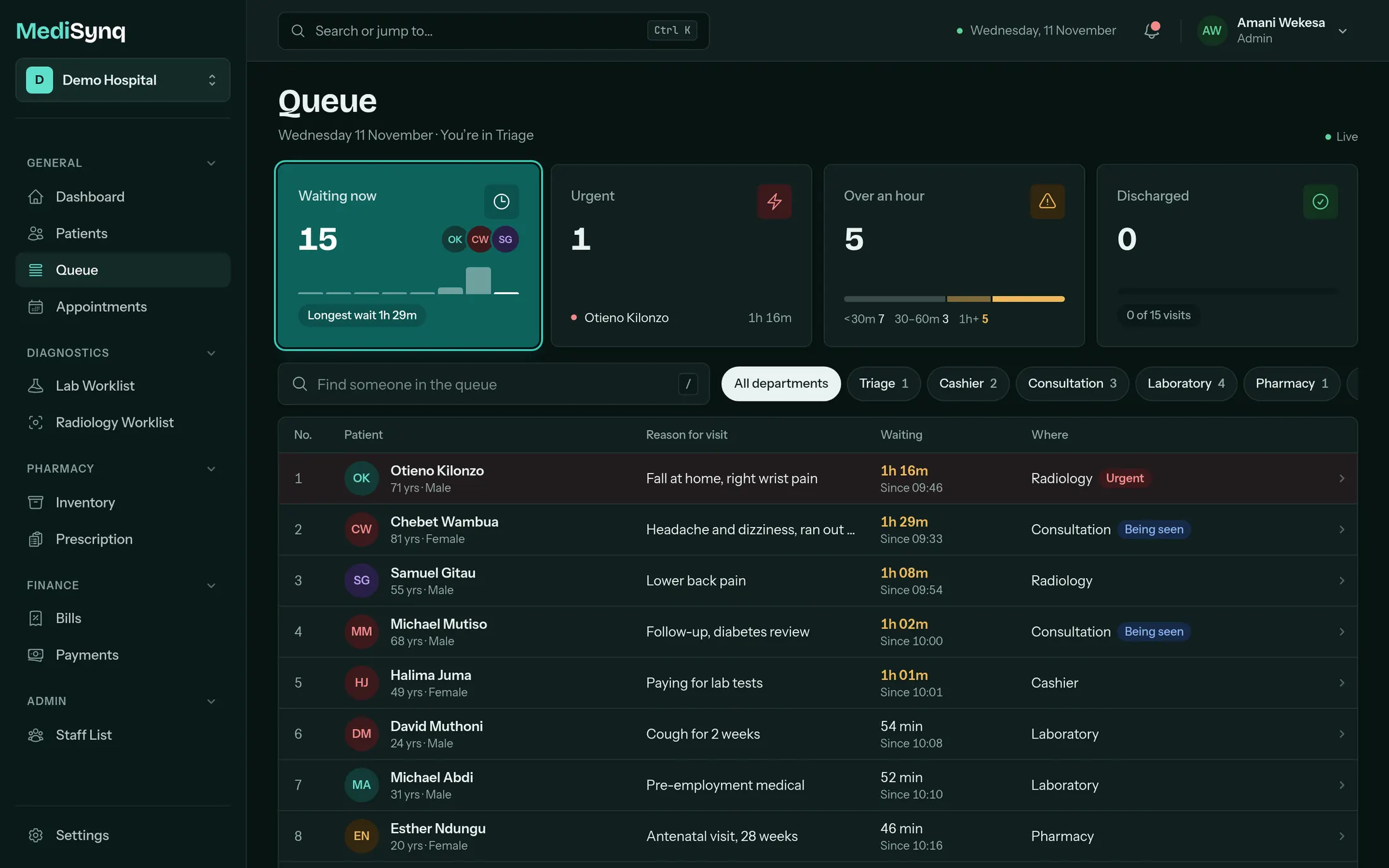
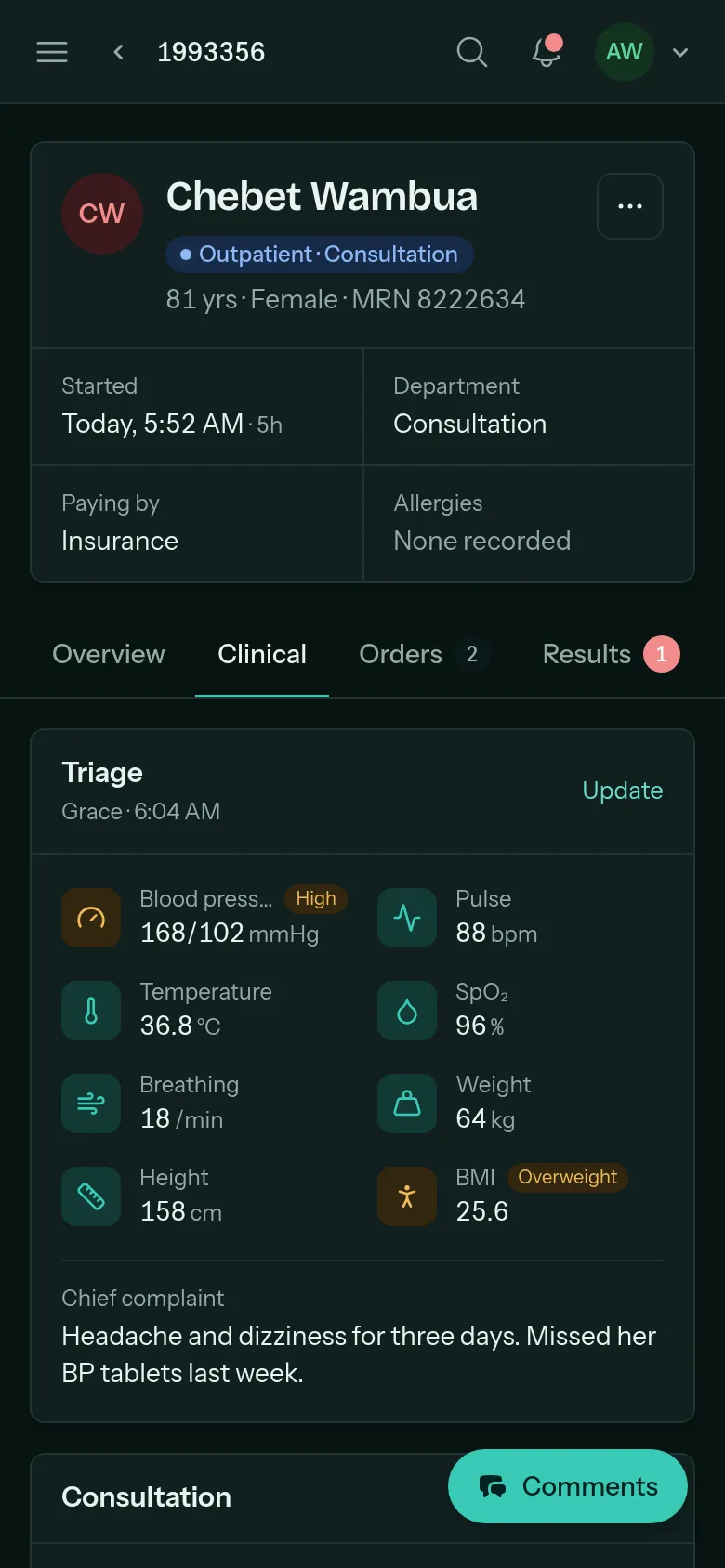
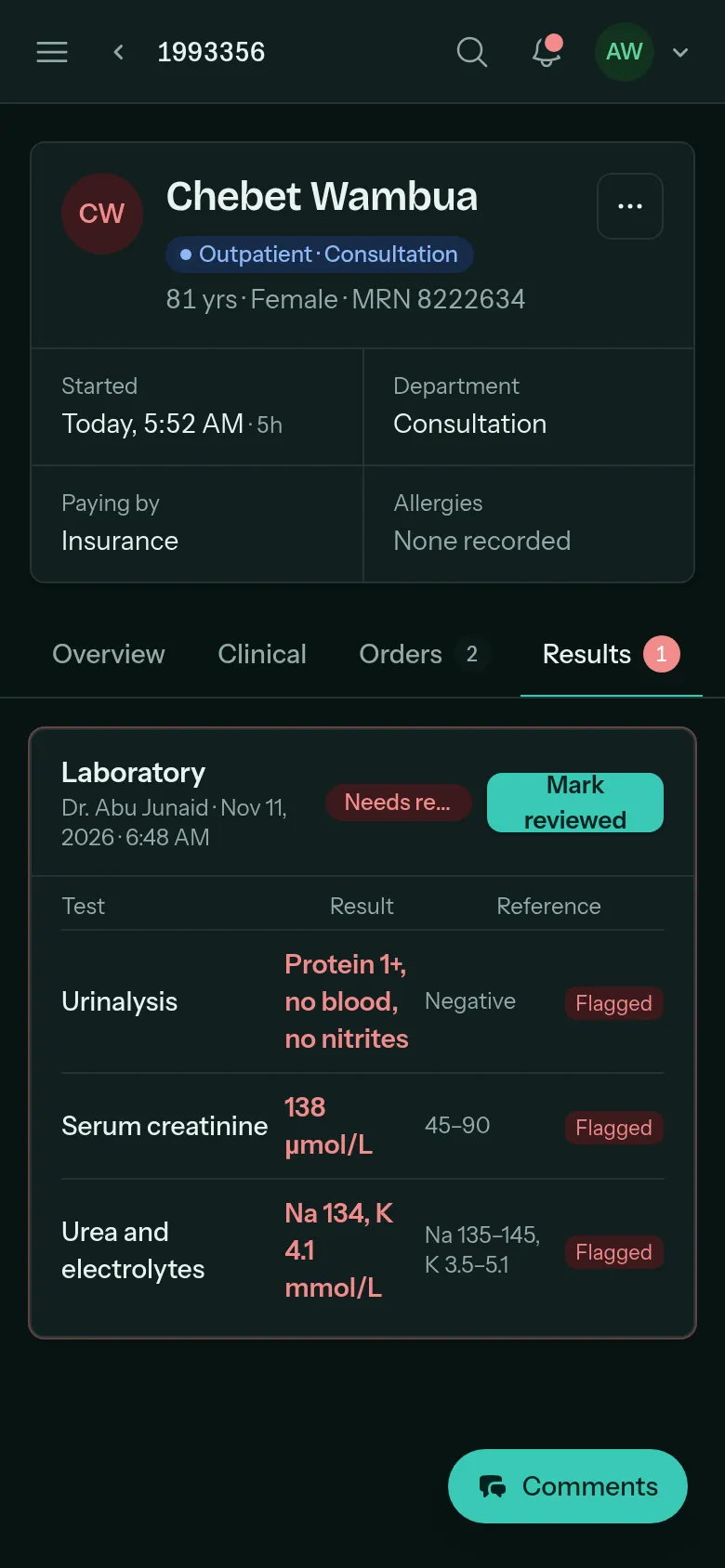
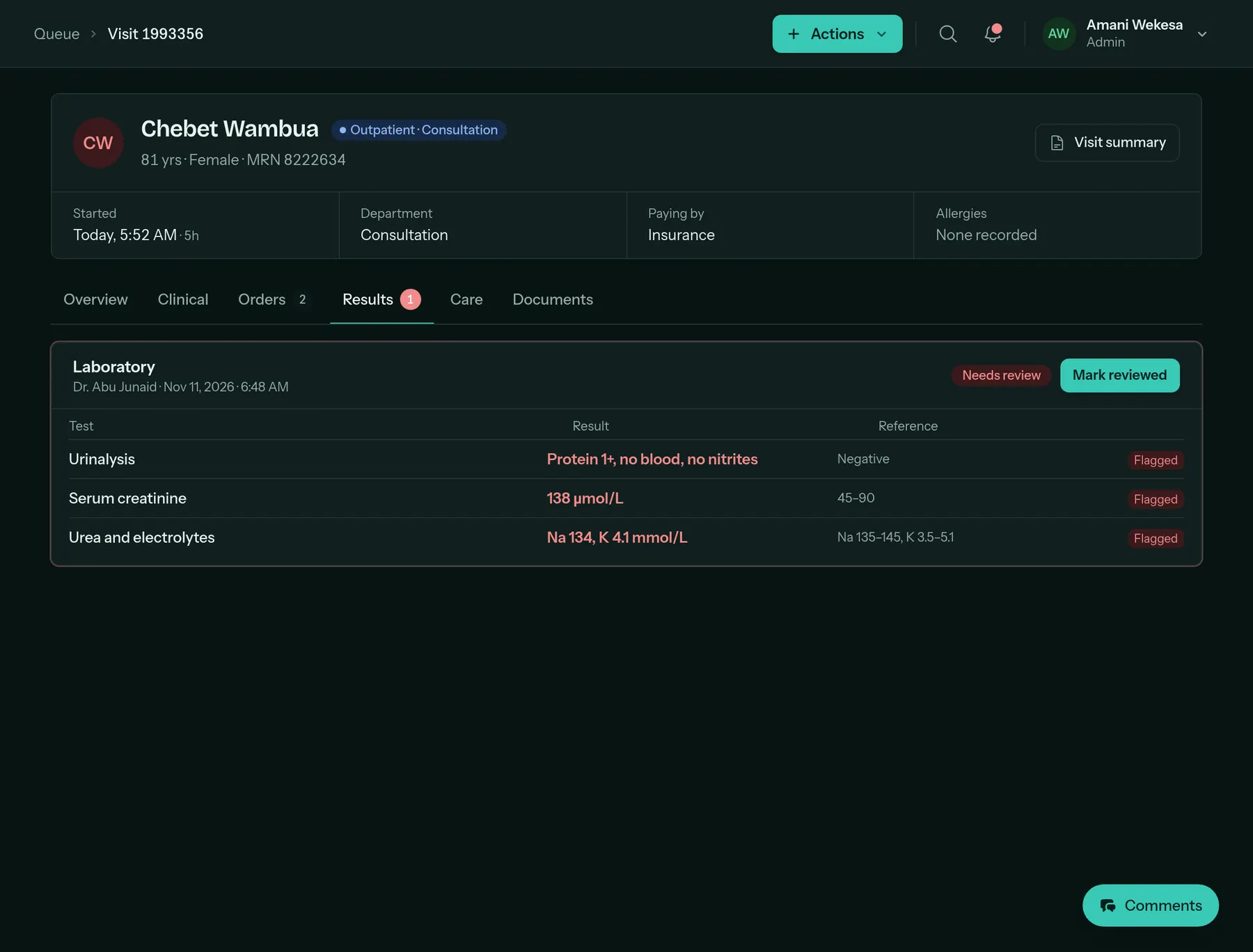
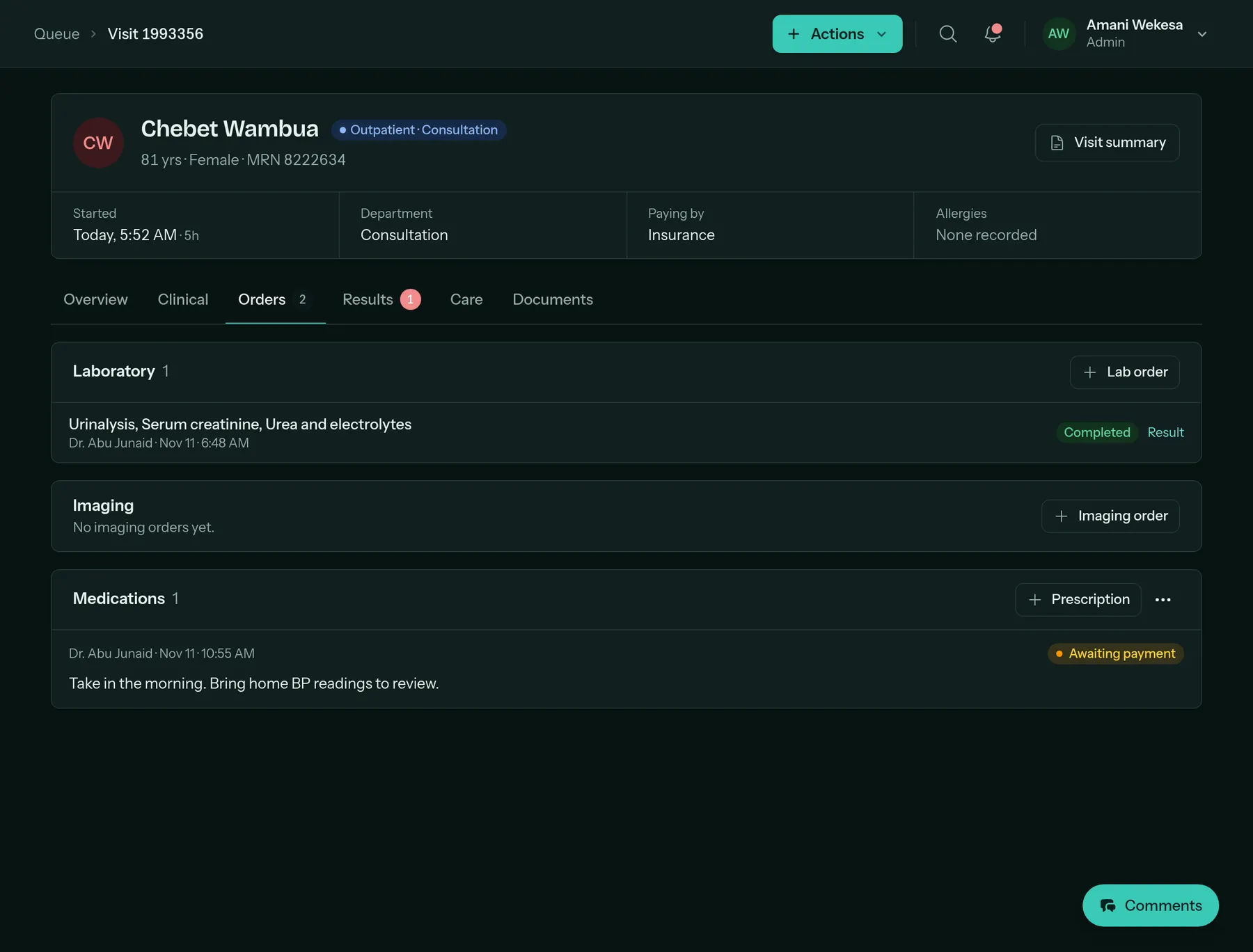
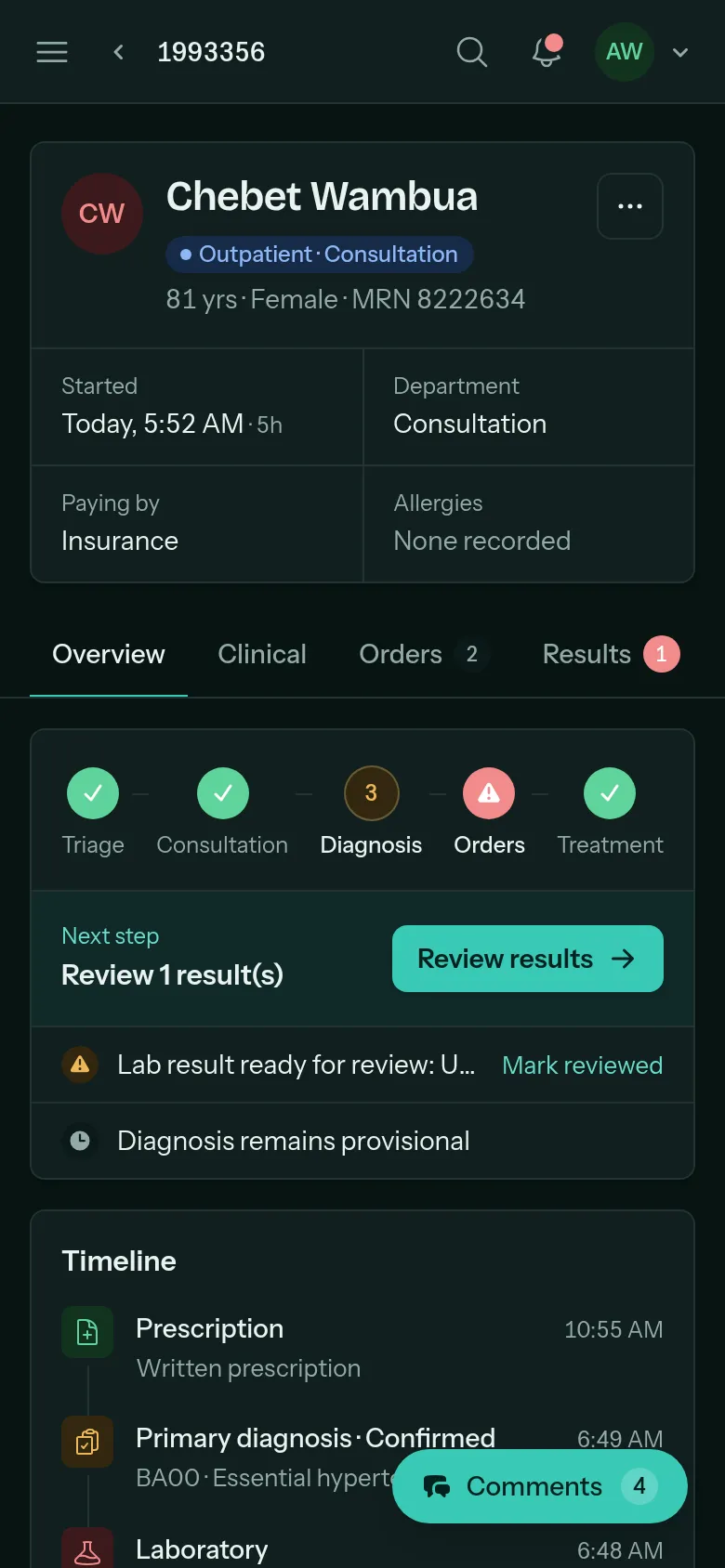
Easy on the eyes at 3 a.m.
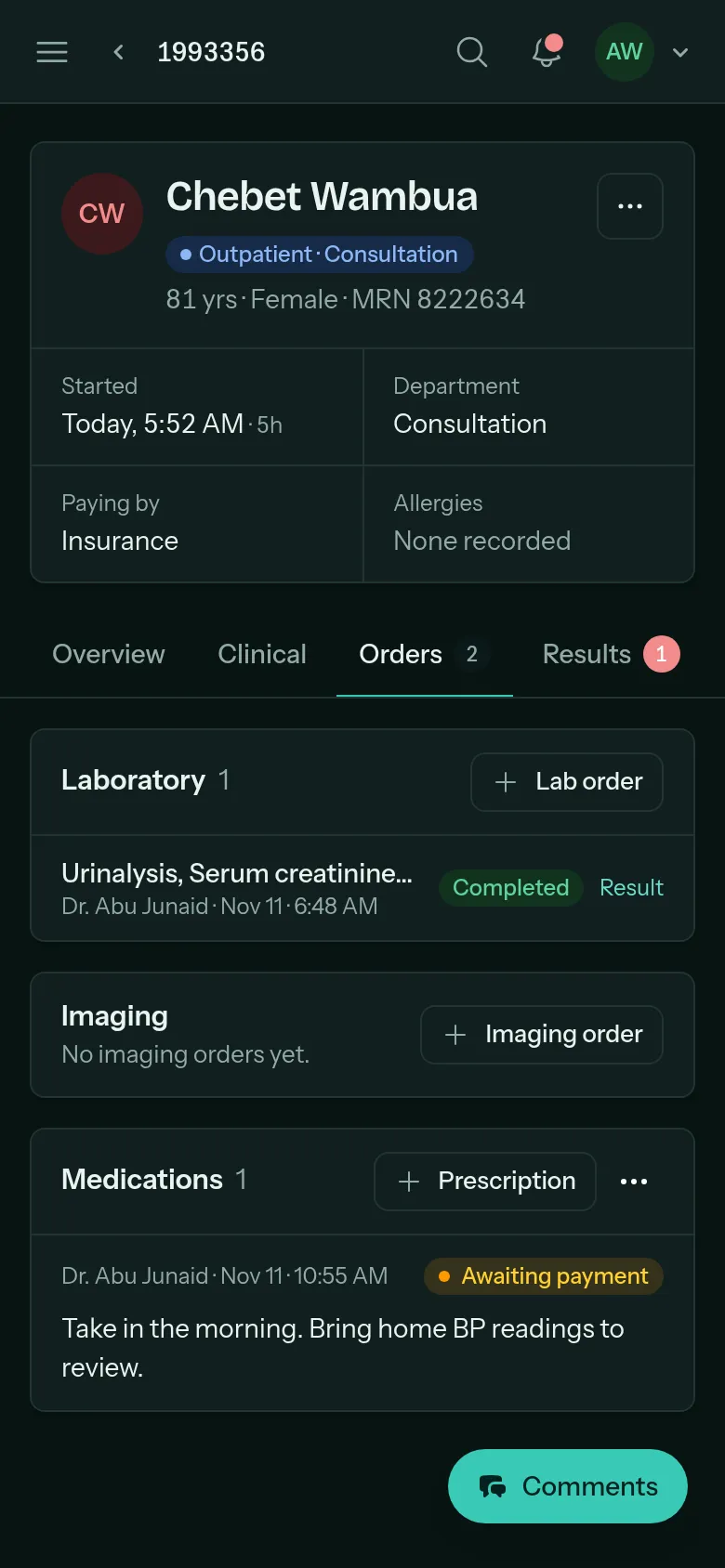
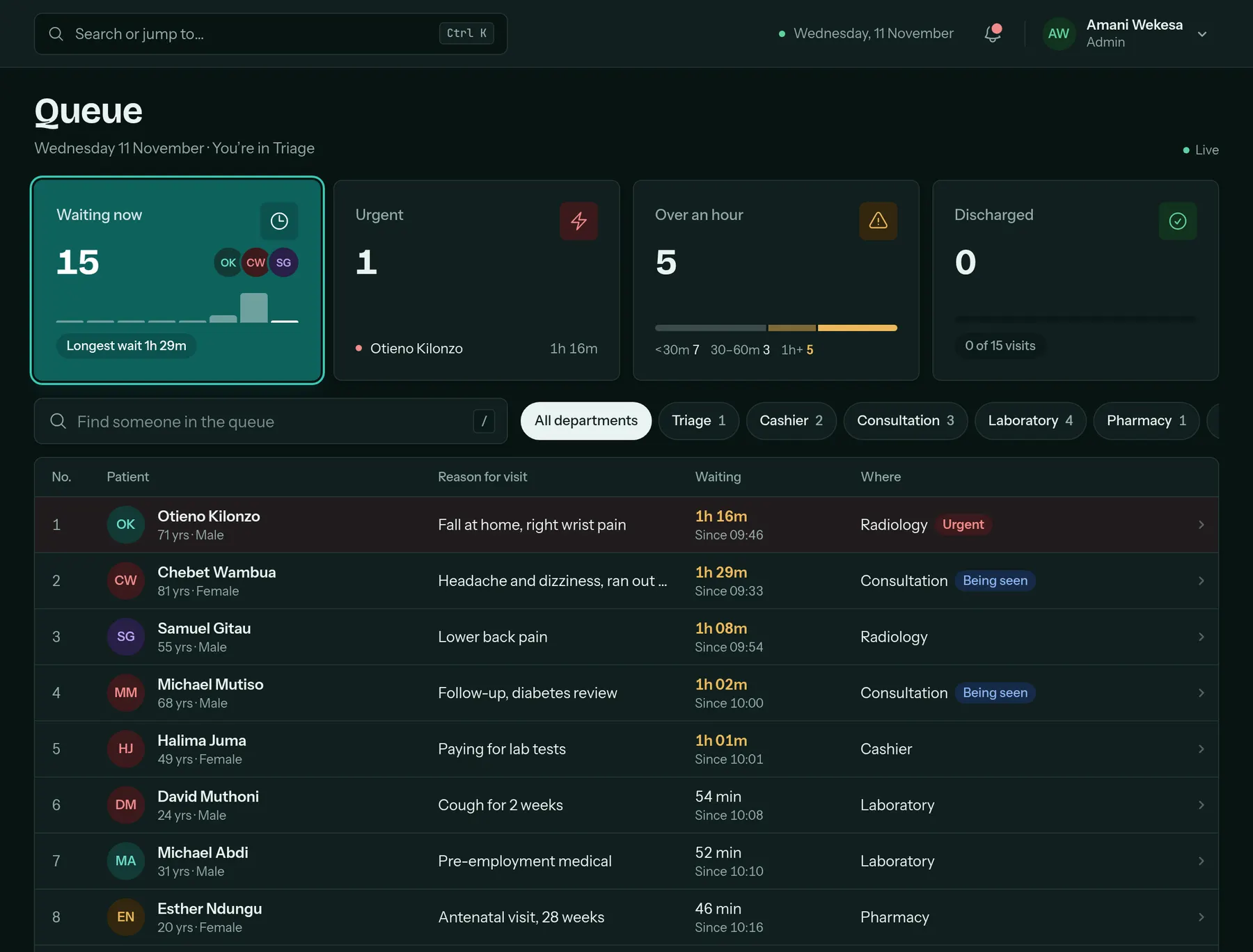
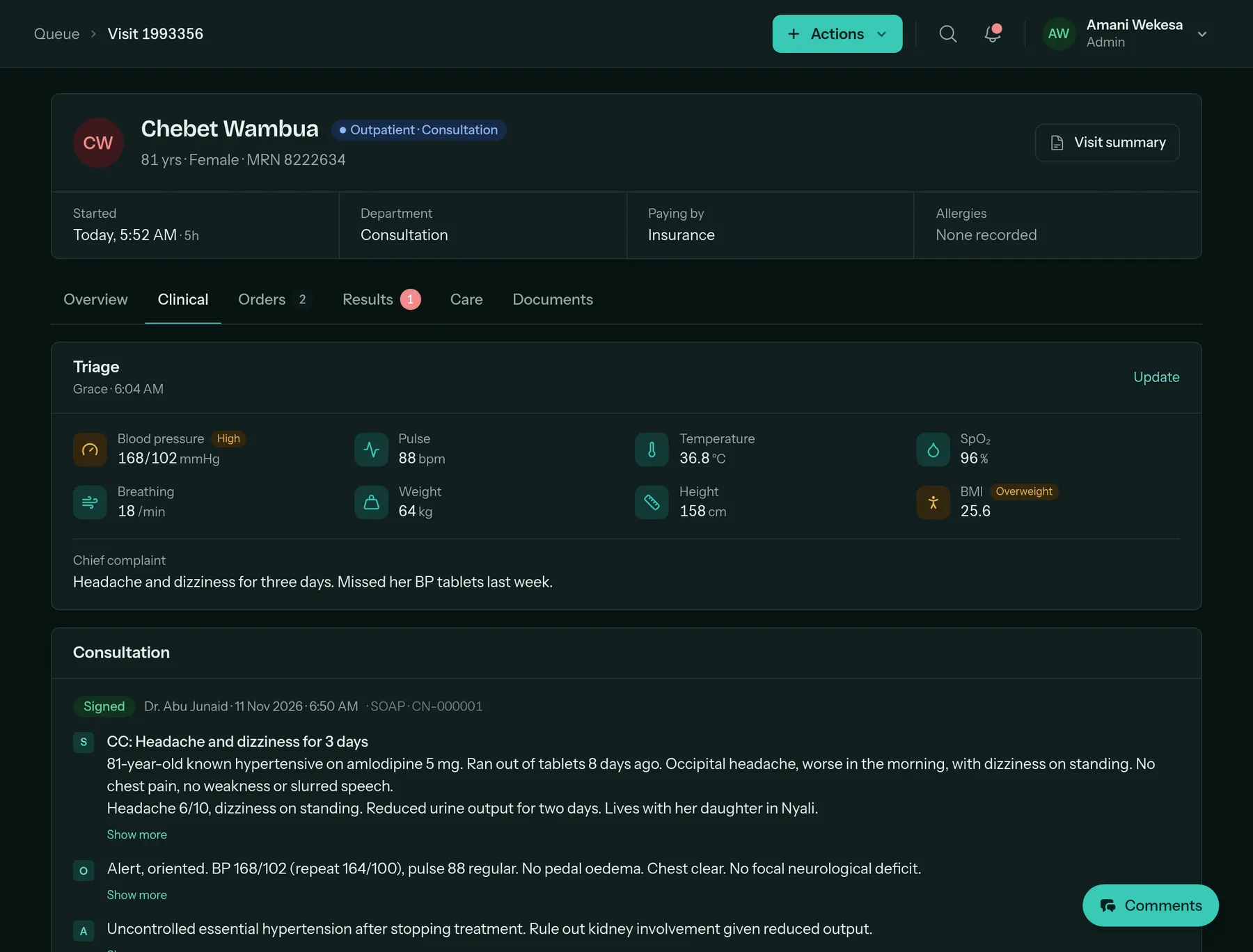
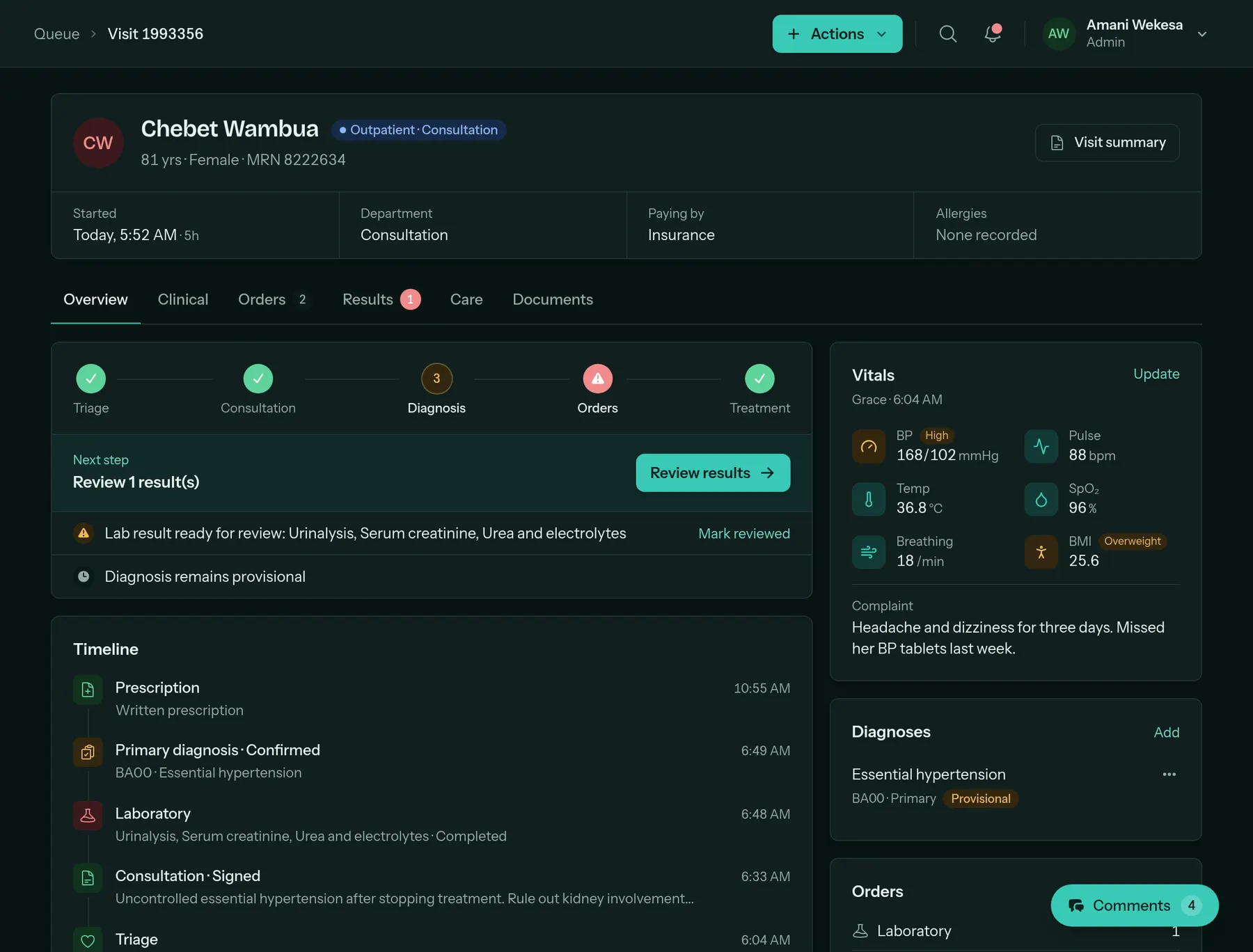
Every screen comes in light and dark. Drag the handle to compare.
Made for how Kenyan clinics work
The local details are already done
M-Pesa built in
Send a payment prompt from the bill. The receipt number lands on the bill when the patient approves.
Ready for SHA
See which bill lines are mapped to SHA interventions before you claim, and track each claim to payment.
Bills on WhatsApp
Send the patient their bill as a clean PDF on WhatsApp, straight from the bill page.
ICD-11 diagnoses
Search the WHO ICD-11 list as you type, so diagnoses are coded the same way every time.
Priced in shillings
Clear monthly plans in KES. No dollar invoices and no surprise exchange rates.
One login, several facilities
Staff who work at more than one facility switch between them, and each keeps its own records.
Getting started
Live in a day, not a quarter
-
1
Create your facility
Sign up, name your facility and set up departments, rooms and prices.
-
2
Bring your patients
Import your patient list from a spreadsheet. We check the first import with you.
-
3
Invite your team
Add doctors, nurses, lab, pharmacy and cashiers, each with the right access.
-
4
See your first patient
Check someone in and follow them all the way to the cashier.
Pricing
Simple plans, in shillings
Pay monthly and cancel any time. Every plan starts with 14 days free.
Clinic
For solo practitioners and consulting clinics with up to 3 staff.
KES 7,999 / month
- Up to 3 staff accounts
- Patients, queue and appointments
- Consultation notes and diagnoses
- Billing with M-Pesa
- WhatsApp bills and reminders
- Email support
Hospital
For hospitals and multi-department facilities with up to 25 staff.
KES 14,999 / month
- Everything in Clinic
- Up to 25 staff accounts
- Lab and radiology worklists
- Pharmacy, stock and wards
- SHA and insurance claims
- Priority support and onboarding
Group
For hospital groups and large facilities with complex needs.
Let’s talk
- Unlimited staff accounts
- Several facilities, one team
- Custom integrations and API
- A named account manager
- Service agreement and 24/7 support
Questions
What clinics ask before they start
Something else on your mind? Ask us, or start the trial and ask during onboarding.
How long does it take to get started?
Most clinics check in their first patient within a day. You add your departments, staff and prices, and we help you bring in your existing patient list.
Can I bring the patient records I already have?
Yes. Import patients from a spreadsheet using our template, and we check the first import with you so everything comes across cleanly.
Does it work with SHA and private insurers?
Yes. Record how the patient is paying when they check in, see which bill lines are ready for an SHA claim, and track each claim to payment. Claims are part of the Hospital plan.
How do patients pay with M-Pesa?
The cashier sends a payment prompt to the patient’s phone from the bill. When the patient approves, the payment appears on the bill with its M-Pesa receipt number. You can also record payments made to your till by hand.
Who can see patient information?
Each person sees what their role needs, and only admins manage staff. Every facility’s patients, bills and stock are kept separate, even when staff work at more than one.
Will it work on the phones and computers we already have?
Yes. Medisynq runs in the browser on any laptop, desktop, tablet or phone. There is nothing to install and nothing to maintain.
What happens after the free trial?
Pick a plan to keep going. We don’t ask for a card to start, and you can cancel at any time.
Run your next patient through Medisynq this week
Set up your departments, invite your team and see a patient go from check-in to payment. Free for 14 days, no card needed.
Comments
Every visit has its own conversation
The nurse, the doctor, the lab and the pharmacy talk about the patient right next to the patient’s chart. Nobody has to walk down the corridor, call around, or remember who said what.
@mention anyone
Type @ and a name. They get a notification straight away, with the patient and your message.
Updates as it happens
Results ready, notes signed, prescriptions written: the visit posts them in the thread, so the conversation has context.
Live, not a mailbox
New messages appear without refreshing, and you can see when a colleague is typing a reply.
Pinned beside the chart
Keep the thread open next to the visit while you work. It stays on the record with the rest of the visit.